Choice Eliminator
Automatically eliminate full choices from Google Forms
Set limits on individual answer choices and auto-remove them when capacity is reached
4.9159 reviews170K+ installs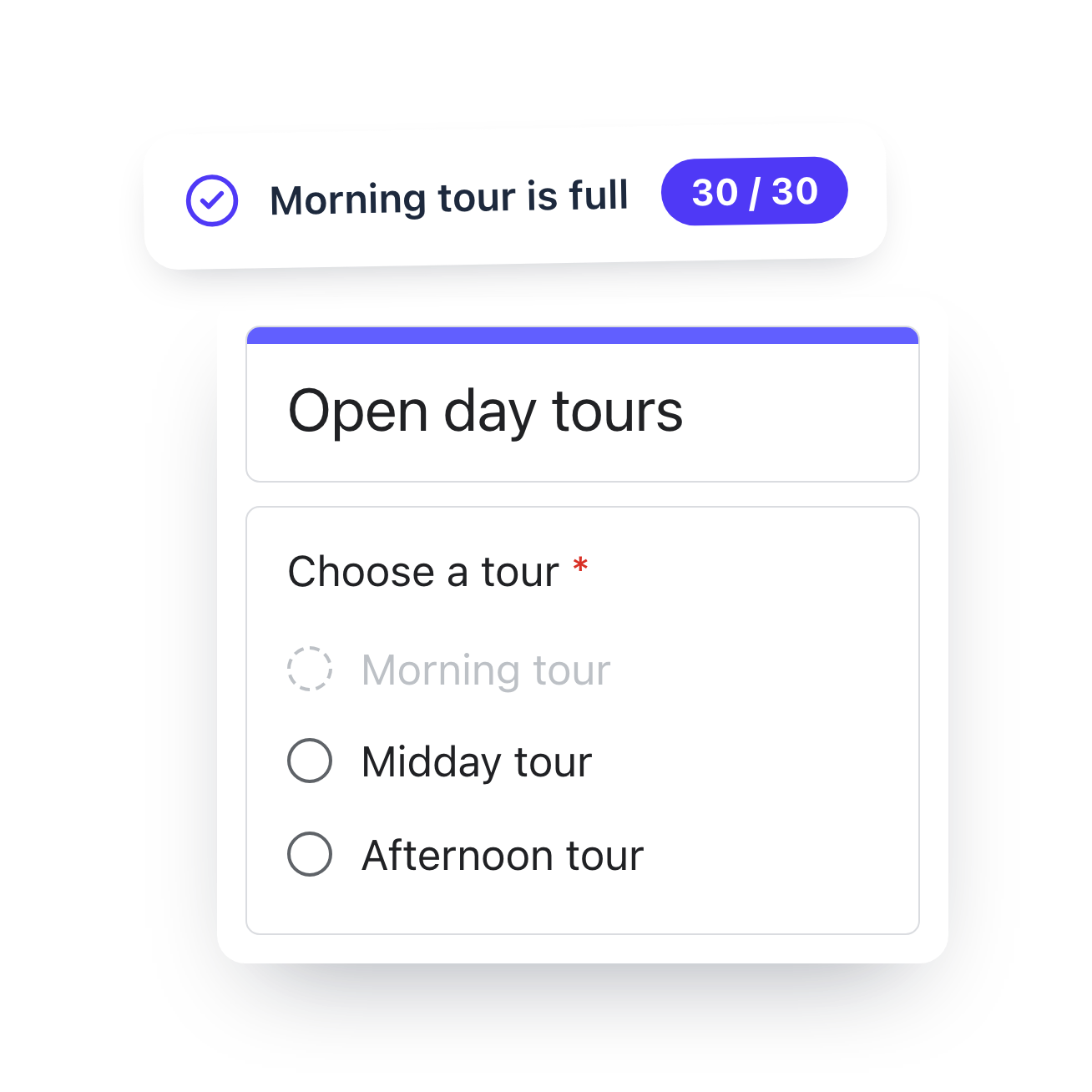
 Works in Google Forms
- Also as a live form: Choice Eliminator Live
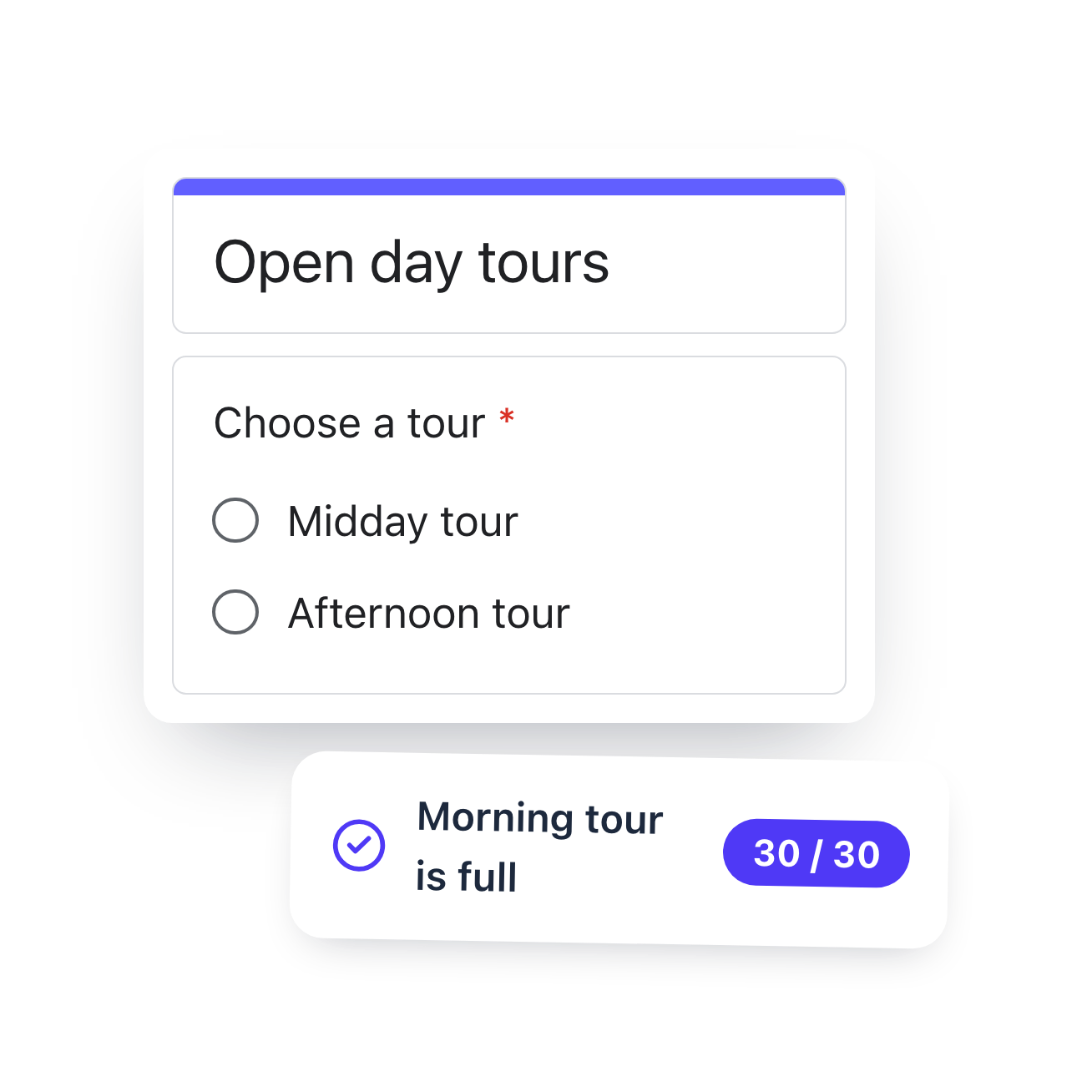
Only show what's still available
Respondents only see the options that still have room, and a full one leaves the form without you editing it.
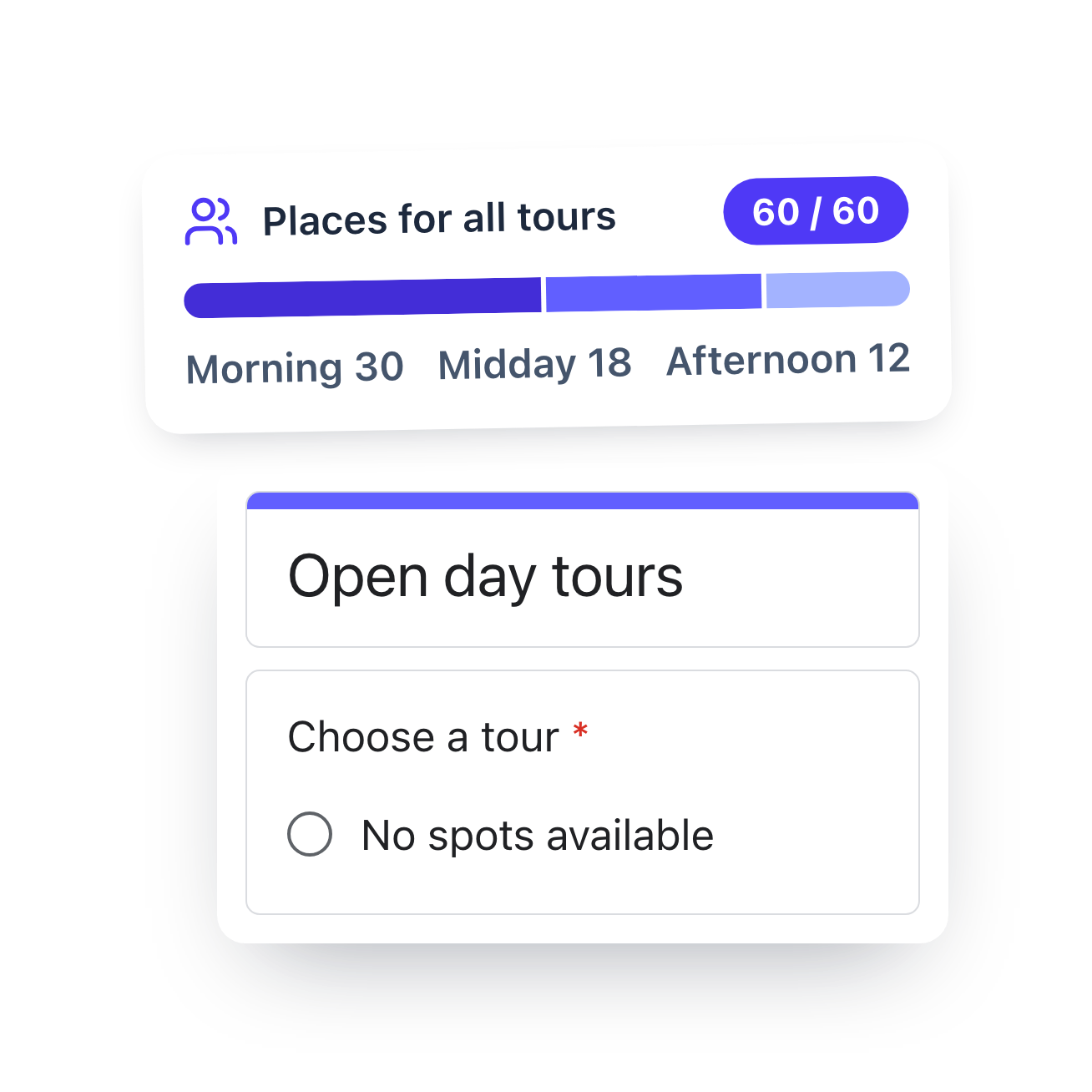
Cap the question, not just each option
Share one number of places across all the options, taken in any mix, and the whole question closes when the last one goes.
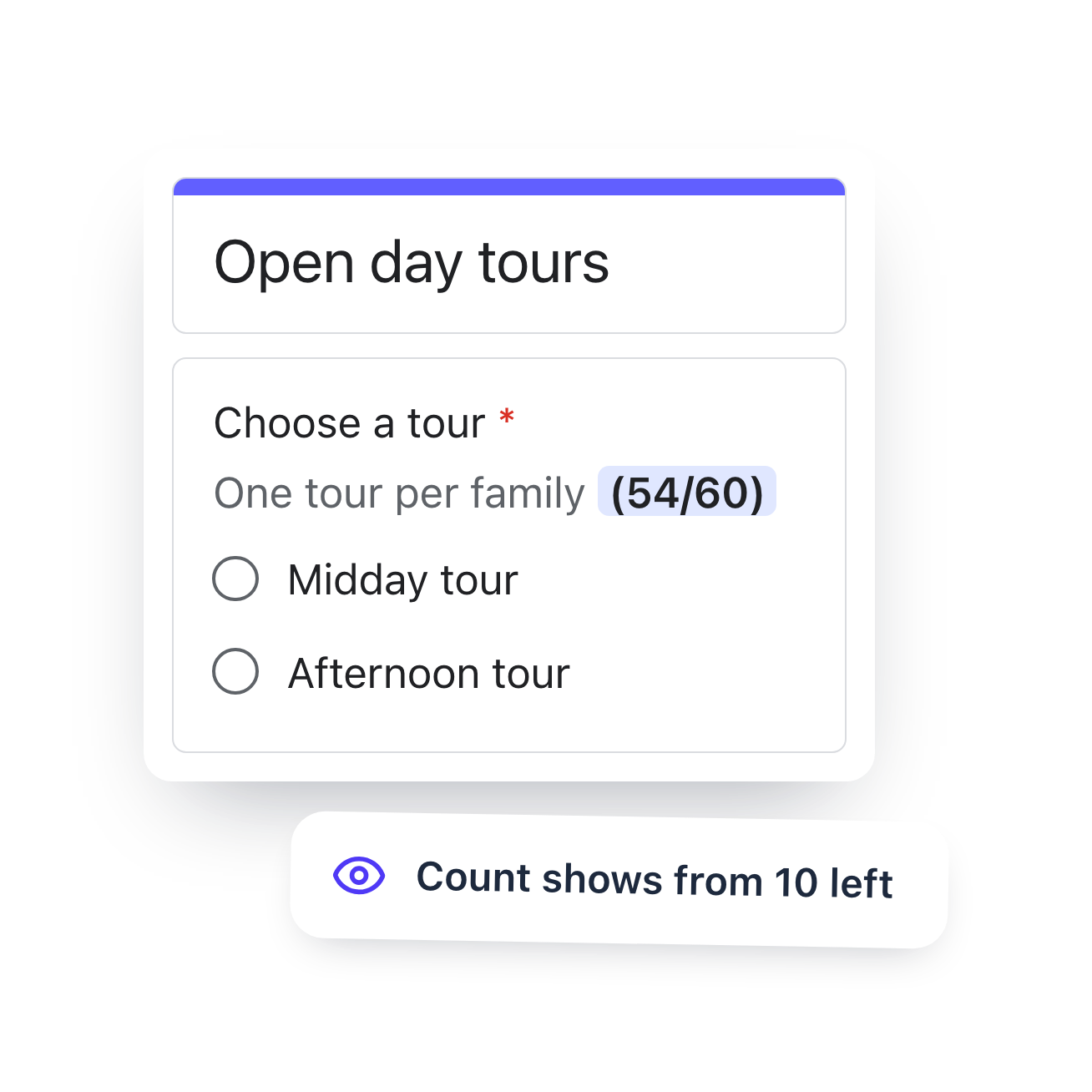
Let respondents see how full it is
Respondents see how many places are taken, so they sign up sooner, and you choose when the count starts showing.
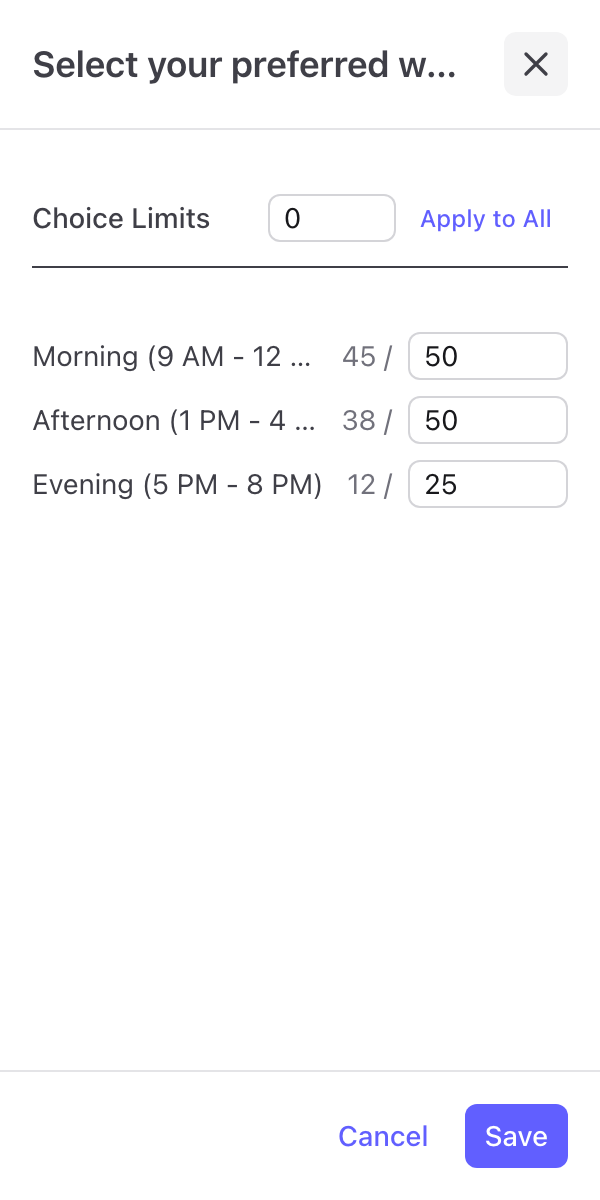
Every limit in one place
See at a glance which options are nearly full and which still have room.
Response limits and scheduling included
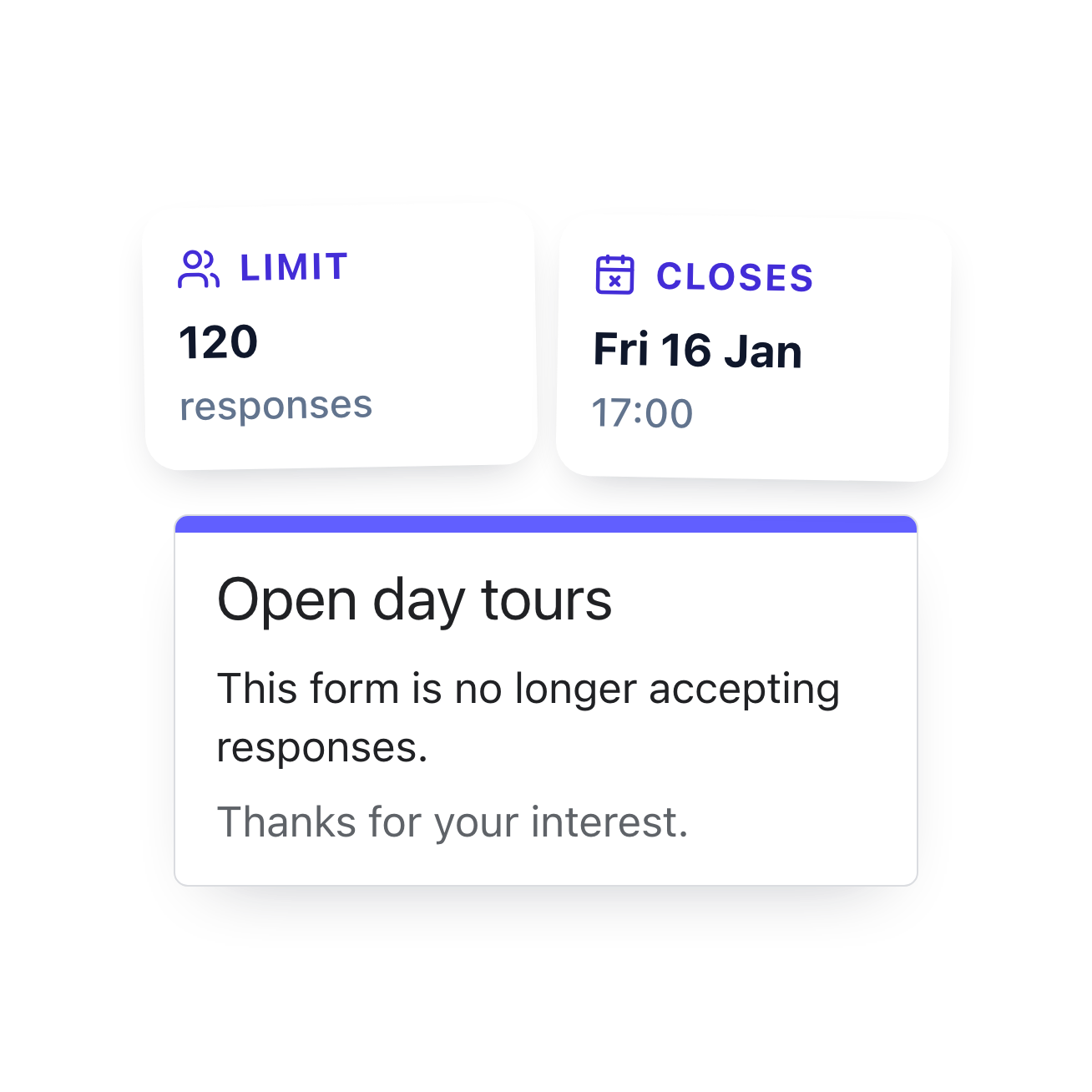
Close the whole form at a number of responses, a date, or whichever comes first, without a second add-on.
You're in good company
It allows you to eliminate choices, which should really be a standard feature.
NISOrchestra
Marketplace review
Simple to use. Very handy for removing an option from the form once a respondent has chosen it.
olivier oubry
Marketplace review · translated from French
Intuitive, useful and functional. It's been a great option for an interactive form.
Allan Ignacio Chacon Cabrera
Marketplace review · translated from Spanish
Works perfectly to hide the options once they reach the choice limit. Very good!
CAMAT UTFPR
Marketplace review · translated from Portuguese
Really convenient to use, I love it!
Sohyun
Marketplace review · translated from Korean
Helped our class a lot with forms where we only needed to select certain criteria.
ATF 130 UFSM
Marketplace review · translated from Portuguese
See it in action
All tutorial videosEverything you need
Powerful features to manage your Google Forms
Give each option its own limit
Give every option its own number, or the same number on all of them in one click.
Know before your form closes
Choose to get an email when the form closes or reopens, a day before a scheduled close, and when a question fills.
Shuffle-Safe
Shuffle the option order for fairness, and each limit still follows its own option.
Reset for the next round
Run the same sign-up next term, with the old answers saved to a Google Sheet and every full option back in one step.
Choice Eliminator FAQ
Yes. Open it from the add-on menu in your form and give limits to the multiple choice, checkbox and dropdown questions it already has. It works on the form and the link you already share, so nothing needs to be rebuilt.
They use your usual Google Form link and need nothing extra. A full option is gone from the list, and a question that is full shows only your own "full" message. If you switch it on, a question with a total can show a count like (97/100).
Yes. Just install the add-on and start using it. You get a 7-day free trial with every feature, no credit card required.
Your form and its responses are untouched, and nothing is deleted. To change your limits or set up new ones you need a plan.
Only the form you open it in: it counts the responses, removes full options and closes or reopens the form. It emails only the alerts you switch on, and creates a Google Sheet only when you save old responses. Your questions and responses are never sent to Skyfield.
Sign in at skyfield.cloud, open Account and choose Manage on your licence, then Pause or cancel. Uninstalling the add-on does not cancel it. The limits on your form stay in place after access ends.
It can happen. A full option is removed right after the response that fills it, so people who submit in the same moment can both get in. If the last seat must go to exactly one person, Choice Eliminator Live does that.
Ready to manage your form choices?
Start your free trial today