Form Scheduler
Schedule your Google Forms with Google Calendar
Connect a calendar, add events, and your form opens and closes automatically. That simple.
3K+ installs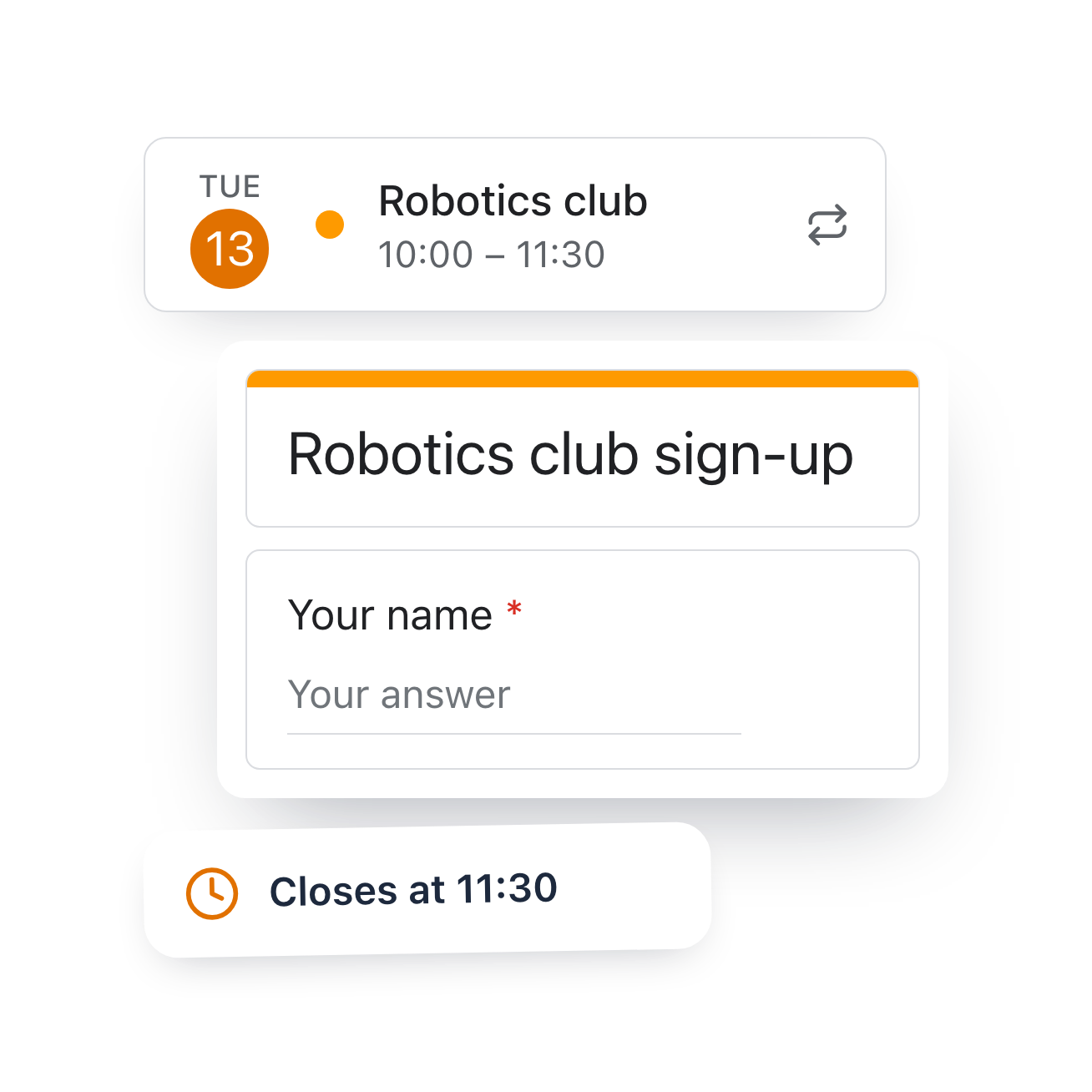
 Works in Google Forms
Google Calendar integration
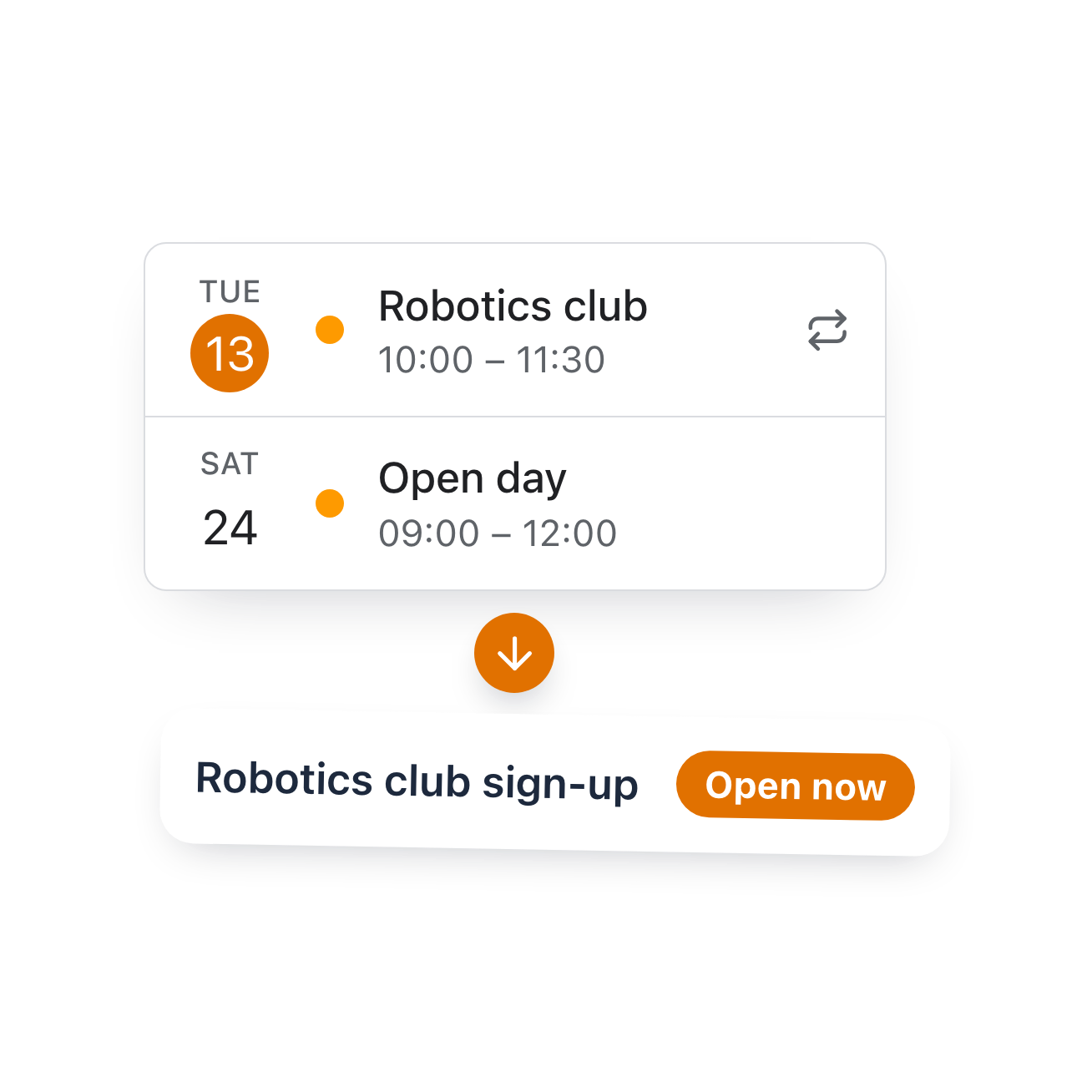
Put each session on your calendar and the form opens and closes on time, even while you are offline.
Per-event response limits
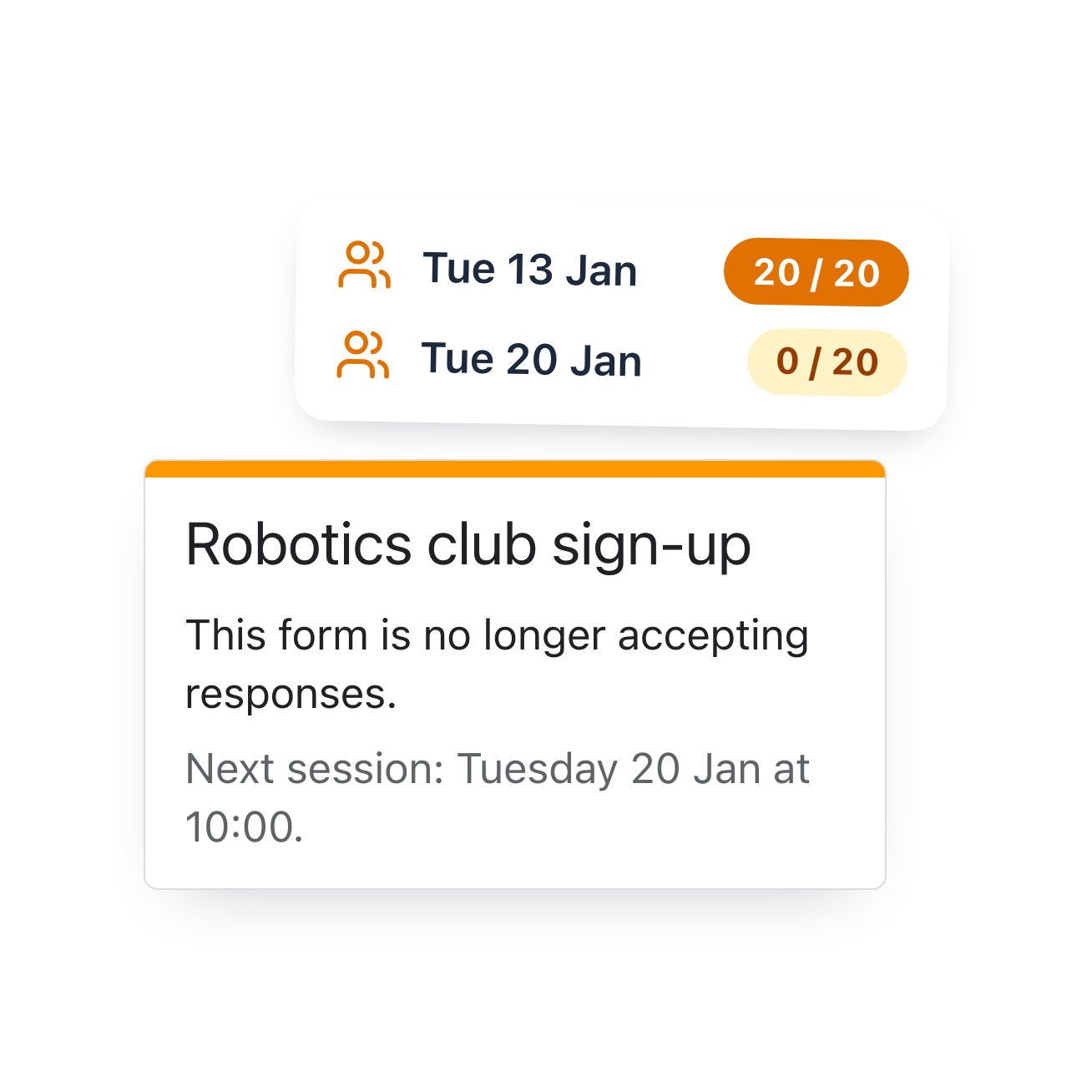
Set one cap and each session stops taking sign-ups when it is full, then reopens for the next one.
Email notifications
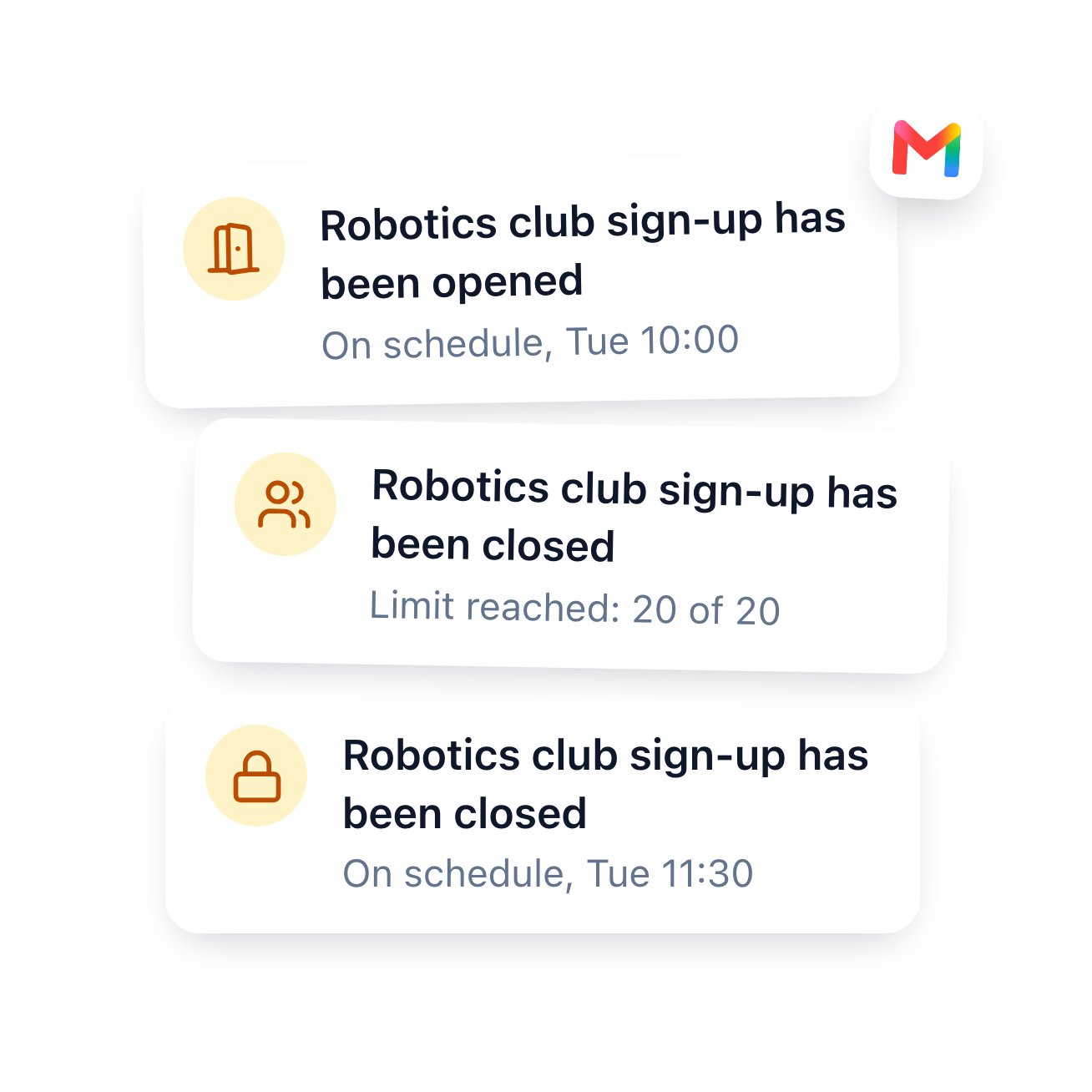
Get an email when your form opens, closes or fills up, so you know where things stand without checking.
See it in action
All tutorial videosEverything you need
Powerful features to manage your Google Forms
Edit From Anywhere
Move a session in Google Calendar from your phone and the form follows. Open the add-on after a last-minute change to apply it straight away.
QR code sharing
Print the QR code on a poster or show it on a slide, and people can sign up whenever the form is open.
Easy Setup
Pick a calendar or make a fresh one from the sidebar, add your events, and you are set up.
Form Scheduler FAQ
Yes. Open the add-on in your form and connect a Google Calendar you own, or make a new one from the sidebar. Your questions stay as they are: the add-on only opens and closes the form around your events.
While an event is on, they see your Google Form as usual. Outside your events they see Google's closed page, with your own message if you wrote one, such as when the next round opens.
Yes. Install the add-on and you get a 7-day free trial with every feature, no credit card required.
At its next planned open or close, the form closes and scheduling stops, so it is never left open by accident. Your form and its responses stay in Google Forms, and you can still open it by hand there. Scheduling starts again once you have a plan.
Only the form you open it in: whether it is open and how many responses it has, so it can open and close it. It reads the events of the calendar you connect, lists your calendars and can create a new one. Emails to you go from your own account, and no form content or responses reach Skyfield.
Sign in at skyfield.cloud with the Google account you bought with and choose Manage next to Form Scheduler. Cancel there, or pause a monthly plan instead. Uninstalling the add-on does not cancel, and your plan keeps working until the end of the period you paid for.
Only if you own it or have the right to make changes to its sharing. Otherwise create a new calendar from the sidebar, which you then own, and add your events there.
One limit applies to every session and starts again at each new one. Events less than an hour apart count as one session. When many people submit at the same moment, a few extra responses can get in before the form closes.
Ready to automate your form scheduling?
Start your free trial today