Dynamic Form Choices
Dynamic choices in Google Forms, run from one Sheet
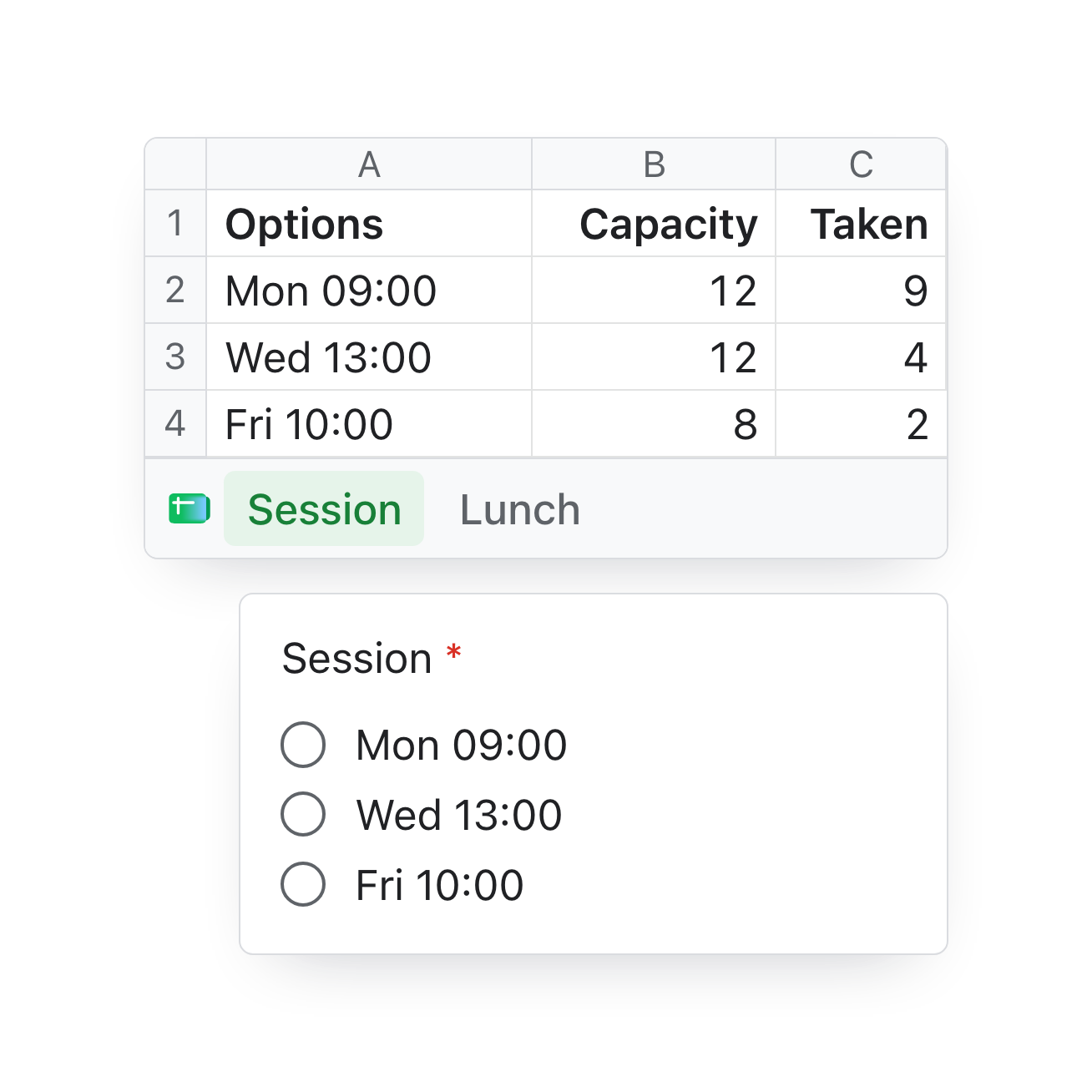
Connect a question and Dynamic Form Choices creates an options sheet with an Options, a Capacity, and a Taken column for every connected question. Your form follows it.
3K+ installs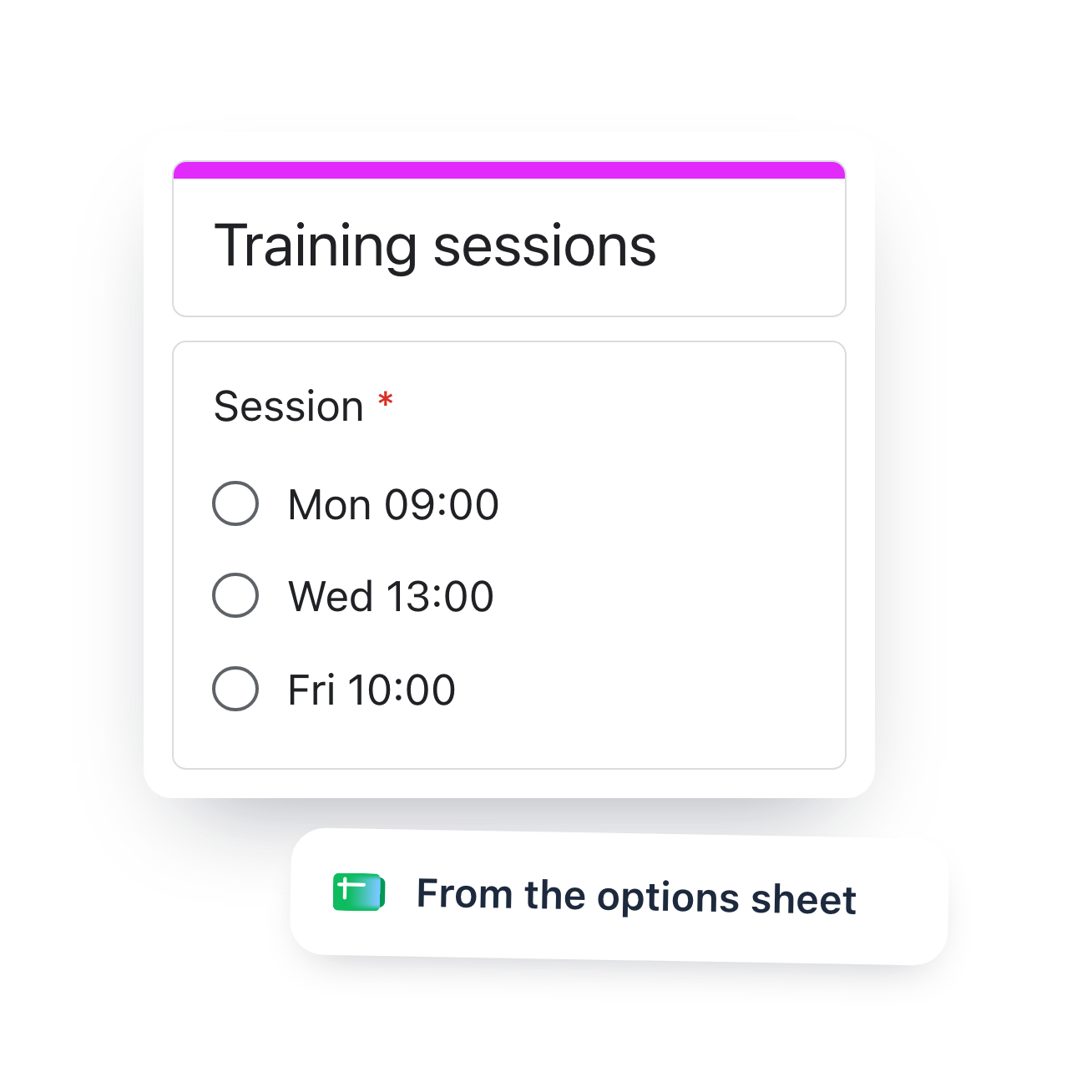
 Works in Google Forms
 Works in Google Sheets
One sheet runs your form choices
Type the options in a sheet and the form follows, so you can add a slot or fix a typo without opening the form editor.
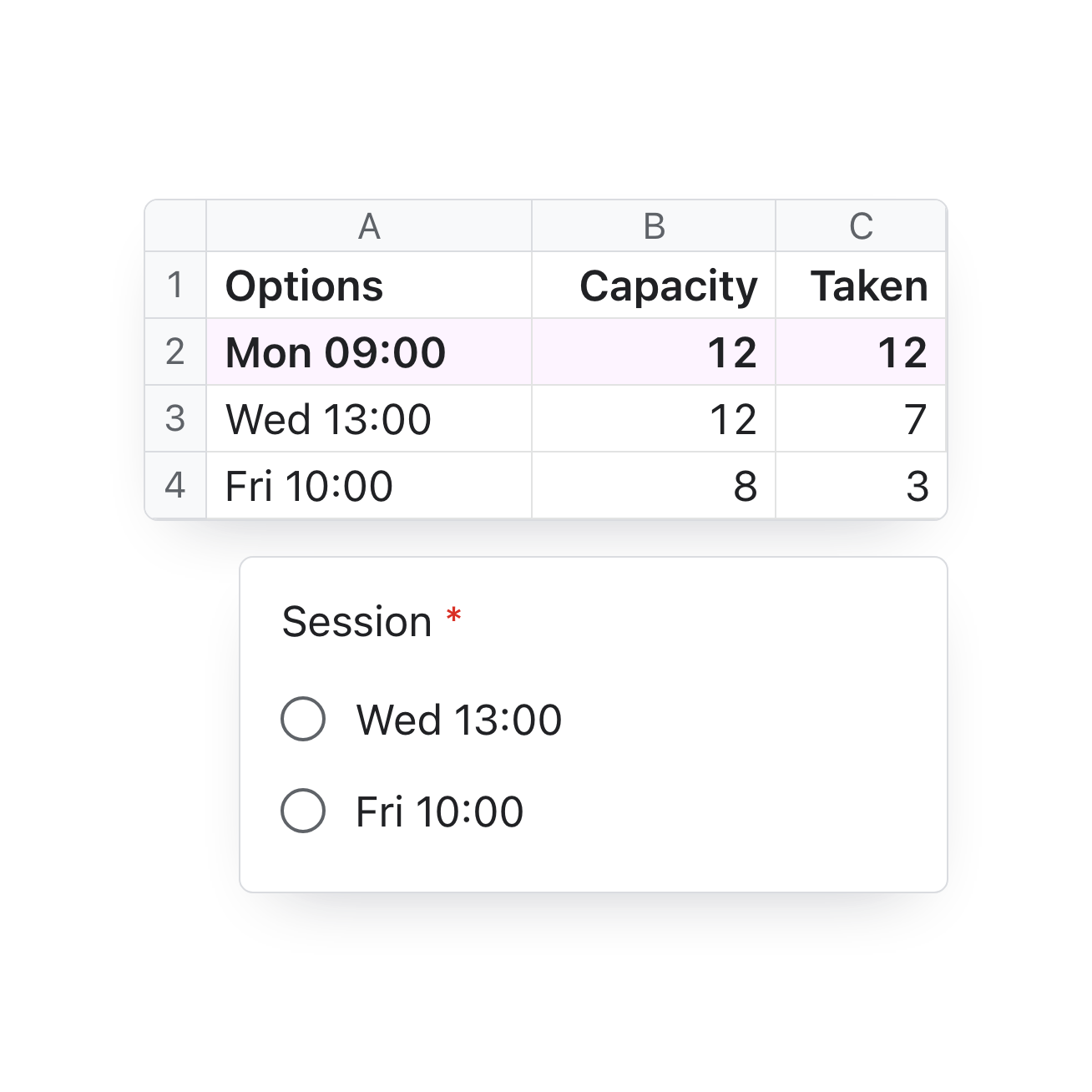
Options bow out when they fill up
Put a number next to each option and full ones leave the form on their own, or type 0 to hold one back.
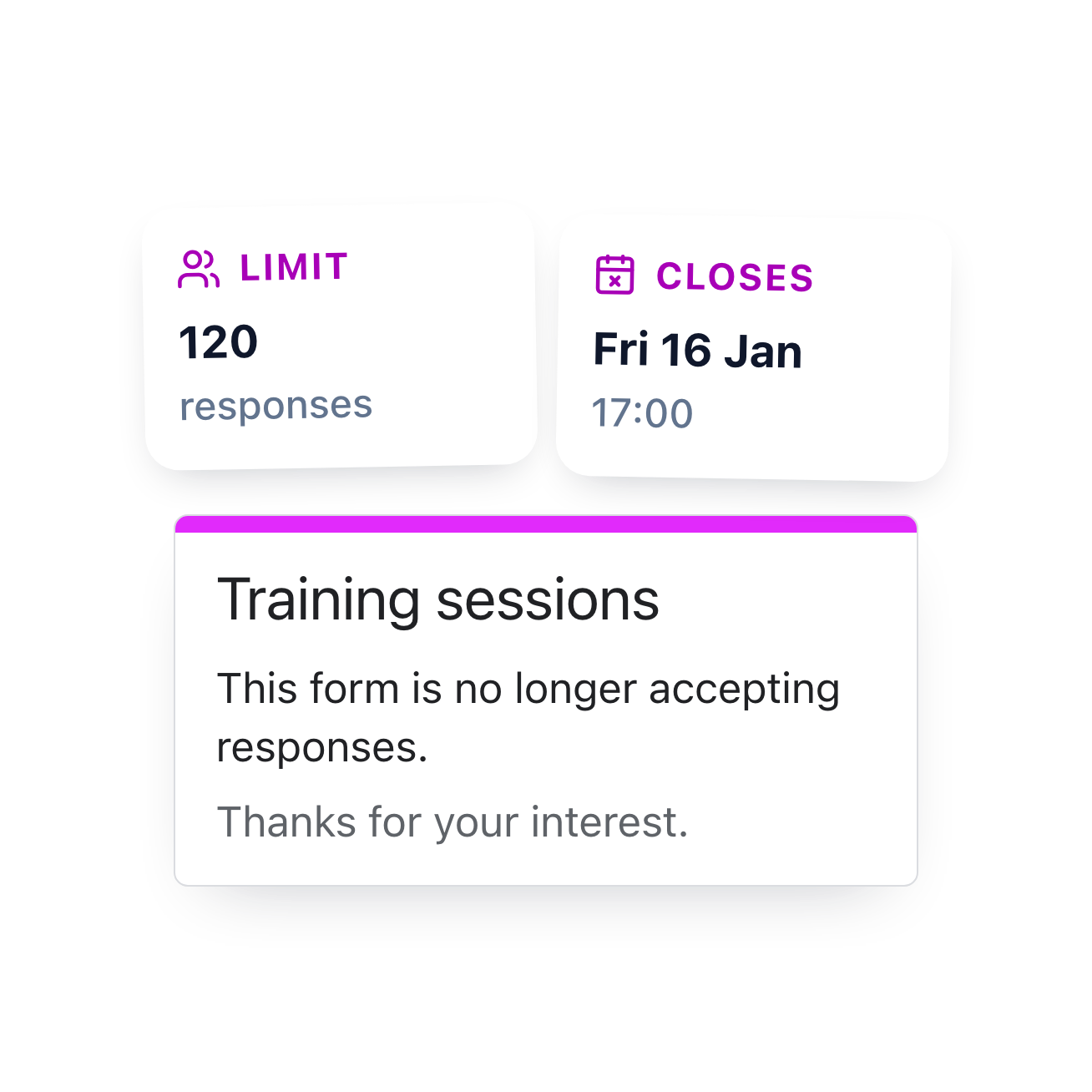
Response limits and scheduling included
Close the whole form at a number of responses, a date, or whichever comes first, in the same add-on.
See it in action
All tutorial videosEverything you need
Powerful features to manage your Google Forms
Every question on the form
Run every choice question on the form from the same sheet, each on its own tab.
Syncs on Its Own
Edit the sheet and the form catches up within the hour, or straight away with one click.
Start in Google Sheets
Start from the spreadsheet you already keep, and the add-on only adds its own columns beside your data.
Options Already in Another Sheet?
Keep your master list in another file and pull it in with one formula, and the form follows it.
Access to one file, not your whole Drive
The add-on only opens the sheet it made or the one you chose, and the rest of your Drive stays private.
Dynamic Form Choices FAQ
Yes. Open it in your form and connect the multiple choice, checkbox or dropdown questions you want to run from a sheet. You can also start in the Google Sheet where you already keep your list and pick the form to feed.
They use your usual Google Form link and need nothing extra. They see the options from your sheet, and an option that is full is no longer on the list.
Yes. Just install the add-on and start using it. You get a 7-day free trial with every feature, no credit card required.
Your form and its responses are untouched, and nothing is deleted. To change your limits or set up new ones you need a plan.
It changes only the form you open it in, and opens only the sheet it made for that form or one you pick yourself. The rest of your Drive stays private, and your questions and responses are never sent to Skyfield.
Sign in at skyfield.cloud, open Account and choose Manage on your licence, then Pause or cancel. Uninstalling the add-on does not cancel it. Your form and sheet stay as they are after access ends.
No. Connect a question and the add-on creates the options sheet in your Drive for you, with an Options, a Capacity and a Taken column. If you already keep your options somewhere else, pull them in with =IMPORTRANGE().
The Taken count and full options update after every response. New or edited options reach the form when you open the add-on, within the hour, or straight away with one click.
Ready to run your choices from one sheet?
Start your free trial today