Form Limiter
Limit responses in Google Forms
Set limits, schedule closures, and let the form close itself once the limit is reached
4.9585 reviews2M+ installs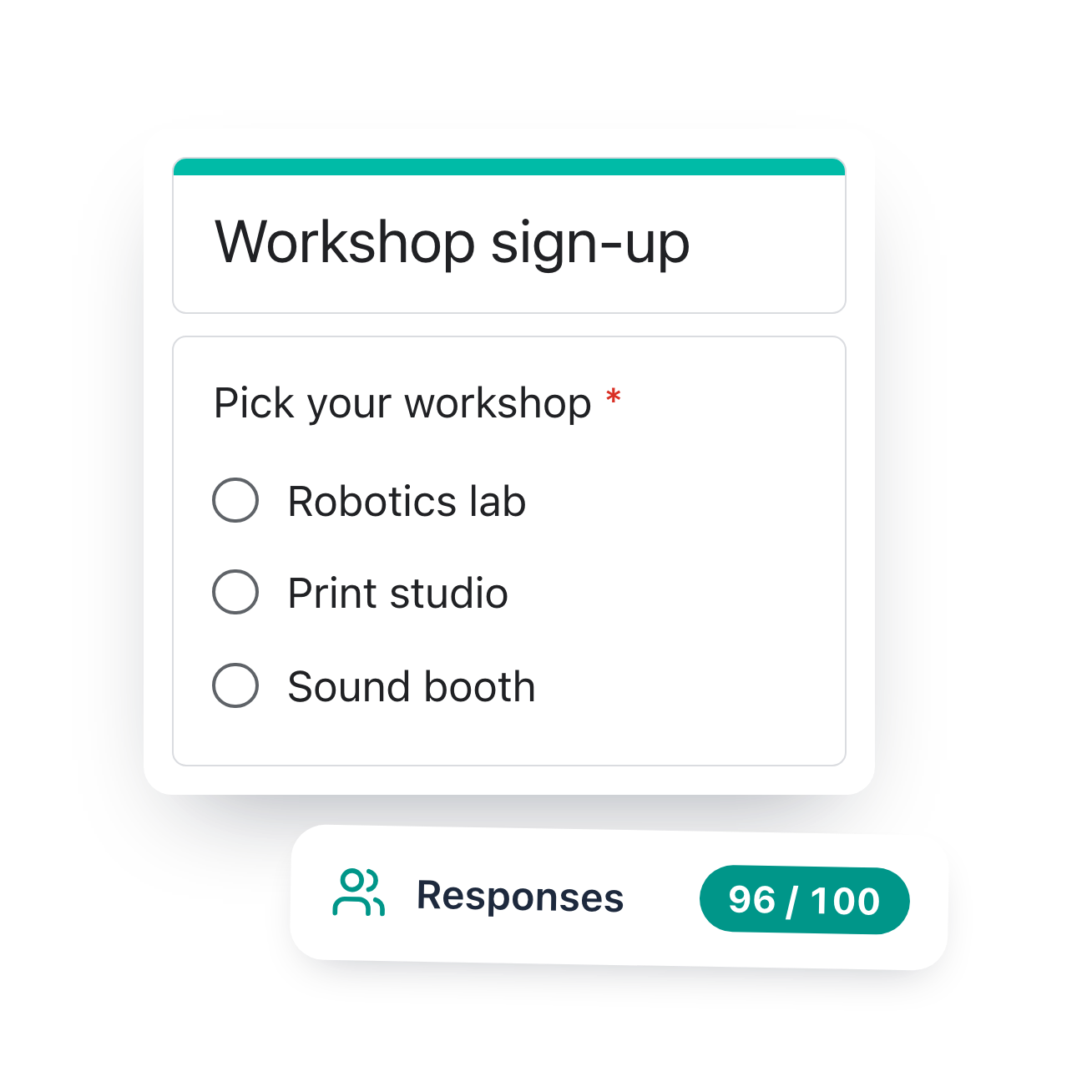
 Works in Google Forms
- Also as a live form: Form Limiter Live
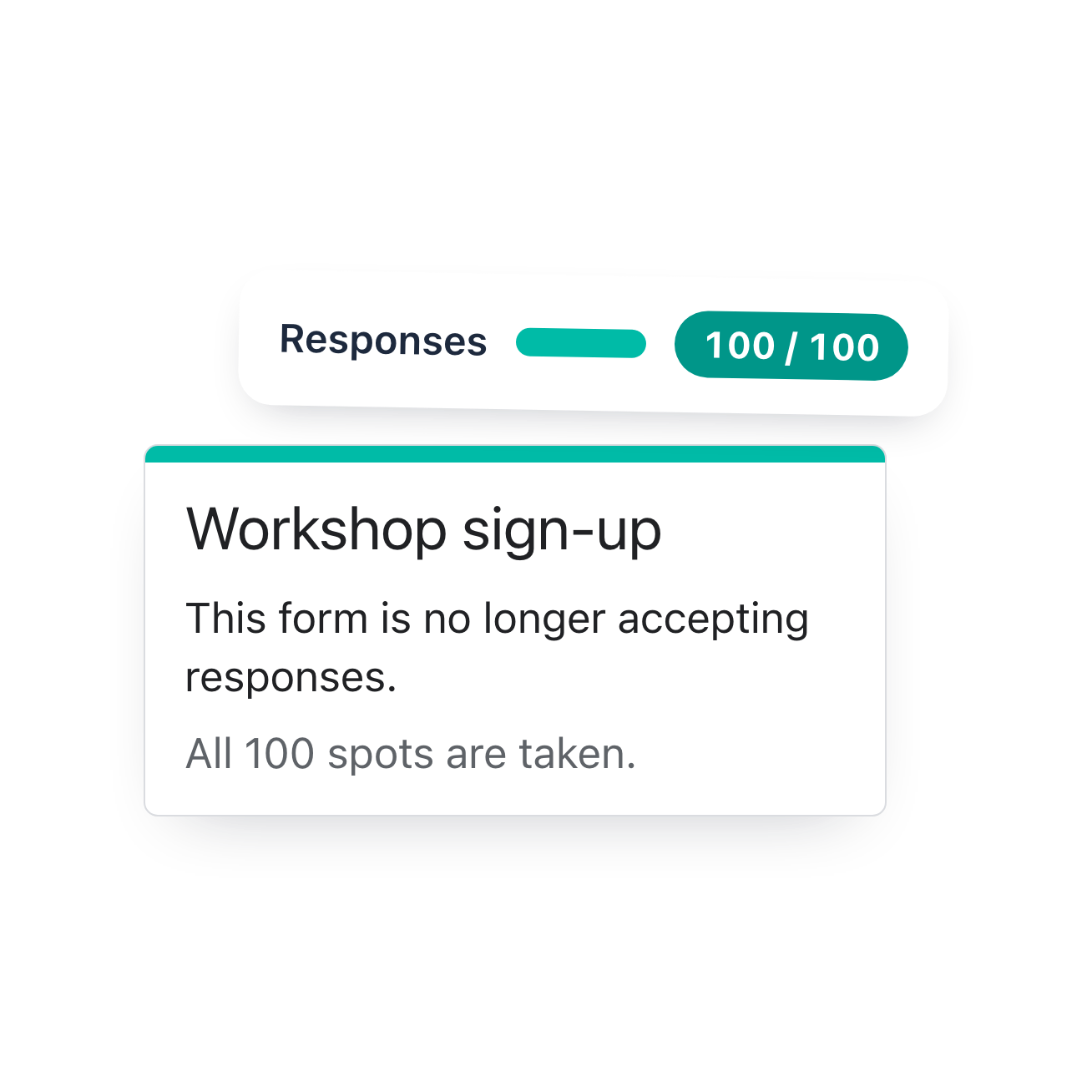
Limit responses automatically
Pick a number and the form closes itself when it is reached, so you no longer have to watch the counter.
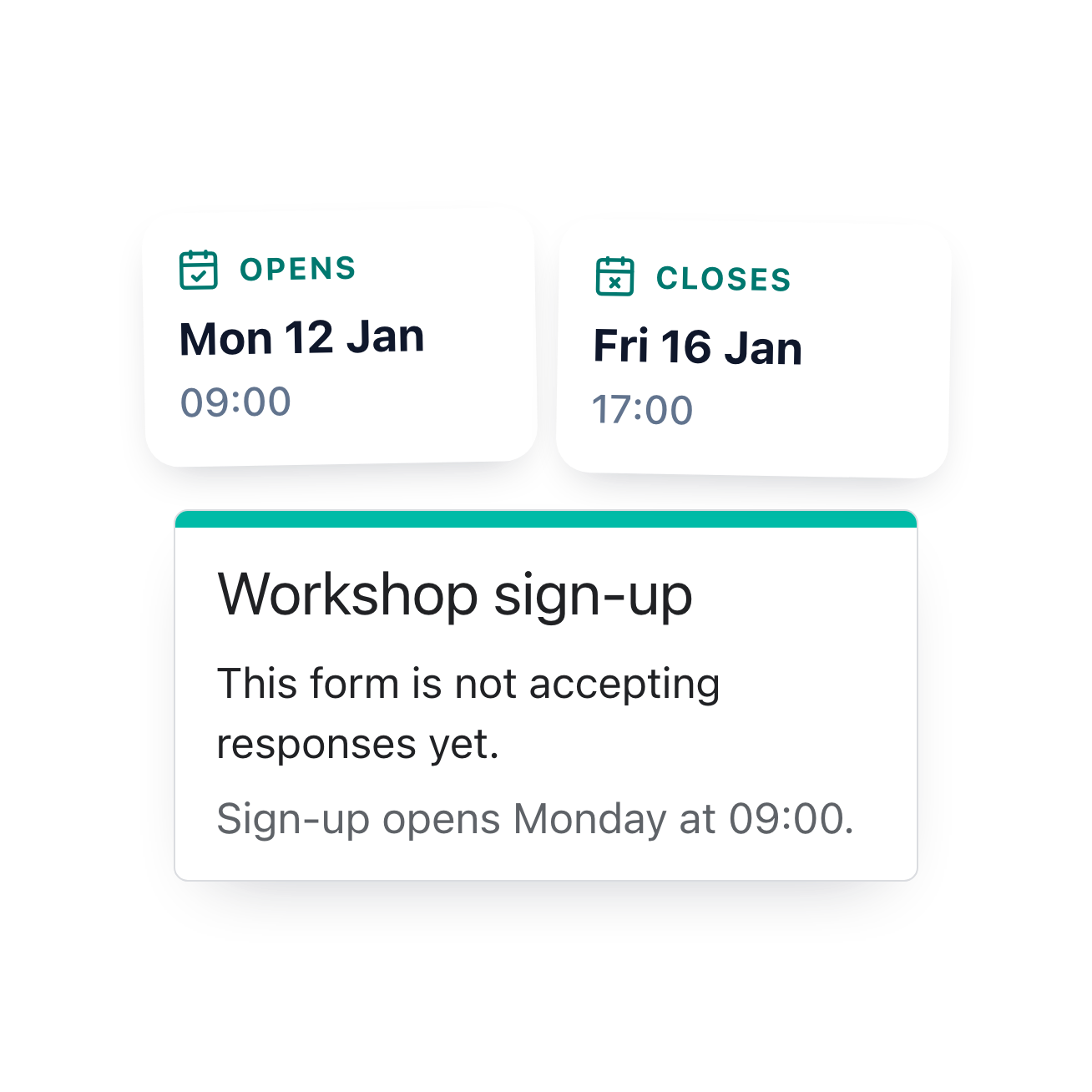
Schedule form availability
Set the opening and closing time once, and the form opens and closes on time even while you are away.
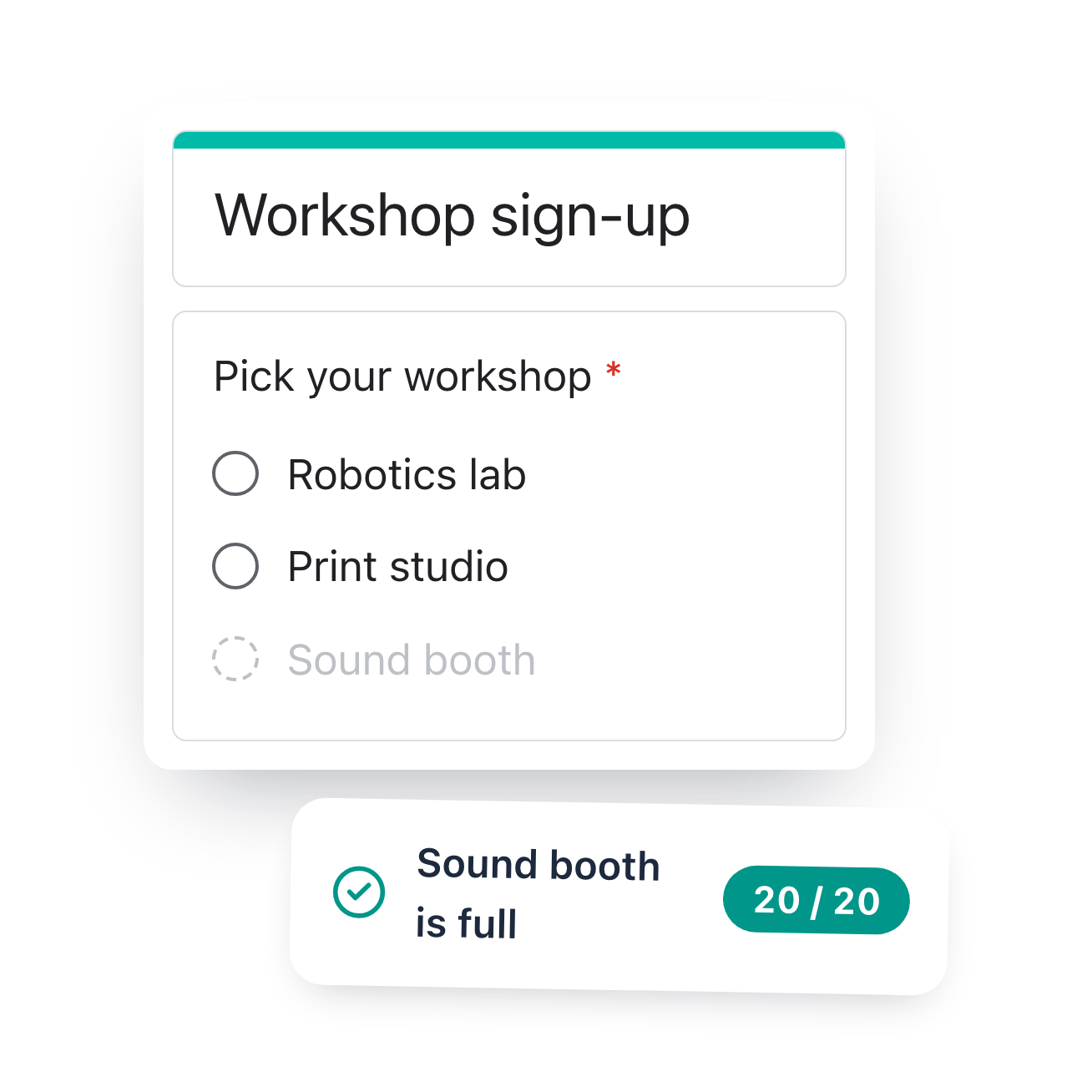
Eliminate choices as they fill
Give each time slot or seat its own limit, and full options drop off the form by themselves.
Hear when your form closes
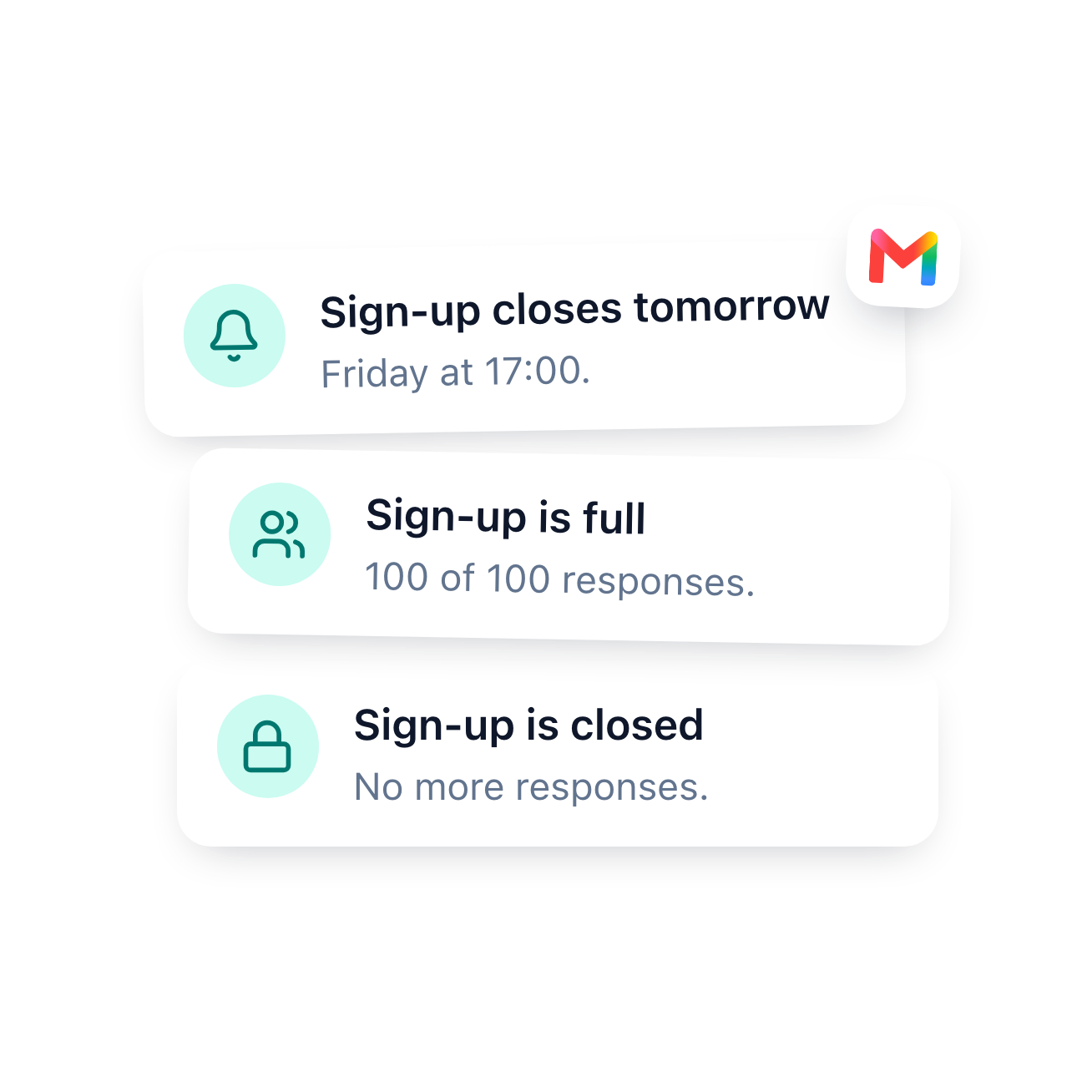
Choose to get an email when your form fills or closes, and a reminder a day before a scheduled close.
You're in good company
The app is simple and does exactly what you think it should do. No frills and no errors. It just works perfect. Thank you.
Gary Brown
Marketplace review
I recently started my own small business, and this helps me manage my workload by limiting orders to a certain amount so I don't lose my sanity. Loving it so far!
Marti Wyckoff
Marketplace review
Very helpful and easy to use for form submissions. Also considering using it to manage inventory of event items.
Lisa Barber
Marketplace review
See it in action
All tutorial videosEverything you need
Powerful features to manage your Google Forms
Share your form with ease
Print a QR code on a poster or slide, or send the link straight to WhatsApp, SMS or email.
Track Responses
See how many responses and places are taken at a glance, without opening the responses tab.
Easy Setup
Set your limits from a panel next to your form, with no formulas or scripts.
Form Limiter FAQ
Yes. Open it from the add-on menu in your form and set your limits there. It works on the form and the link you already share, so nothing needs to be rebuilt or moved.
They use your usual Google Form link and need nothing extra. A full choice is no longer on the list, and once the form closes they see your own closed message.
Yes. Just install the add-on and start using it. You get a 7-day free trial with every feature, no credit card required.
Your form and its responses are untouched, and nothing is deleted. To change your limits or set up new ones you need a plan.
Only the form you open it in: it counts the responses, closes and reopens the form and removes full choices. It emails only the alerts you switch on, and creates a Google Sheet only when you save old responses. Your questions and responses are never sent to Skyfield.
Sign in at skyfield.cloud, open Account and choose Manage on your licence, then Pause or cancel. Uninstalling the add-on does not cancel it. The limits on your form stay in place after access ends.
No. Form Limiter opens and closes the whole form at the dates and times you pick, in 5-minute steps. For a countdown that each respondent sees, use Form Timer.
Ready to limit your form responses?
Start your free trial today