 Choice Eliminator
自動消除 Google 表單中已額滿的選項
為每個答案選項設定上限,達到容量時自動移除
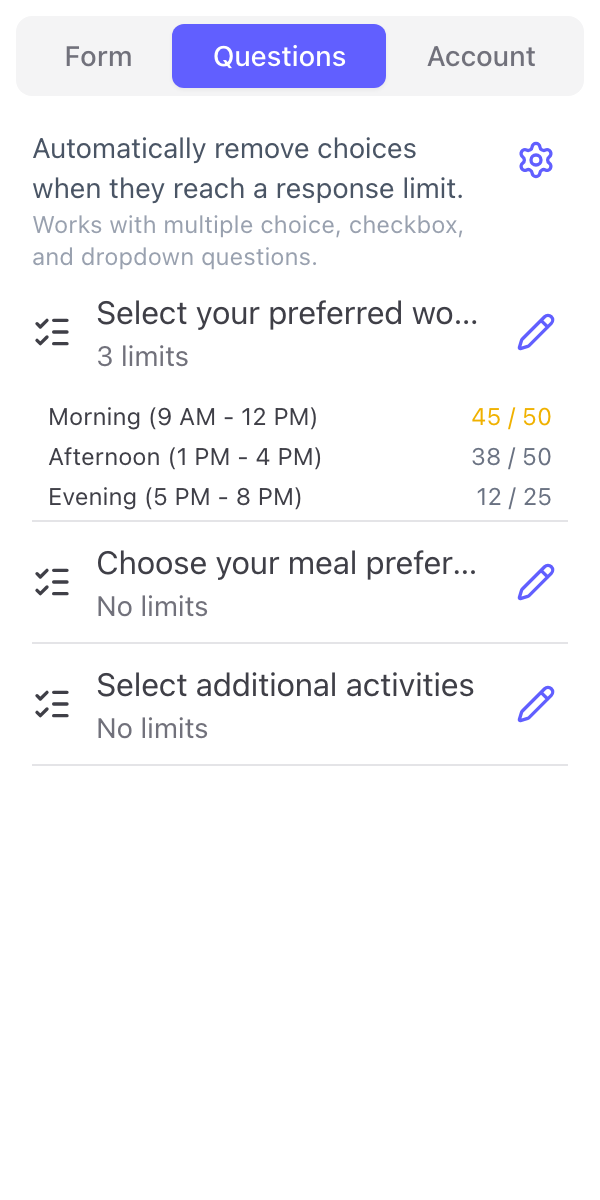
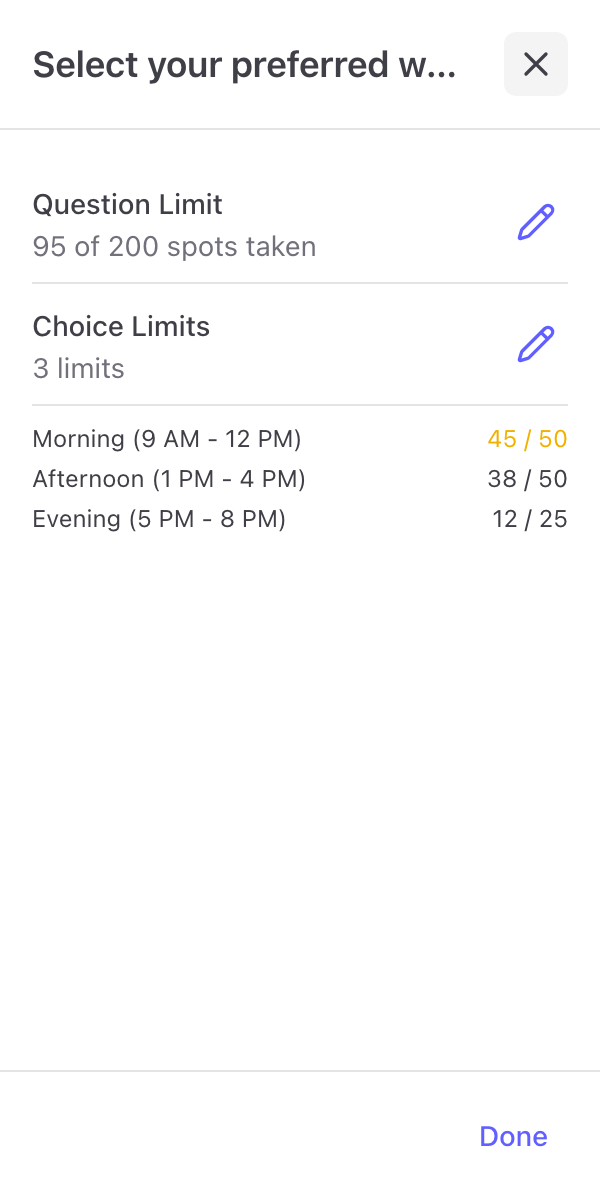
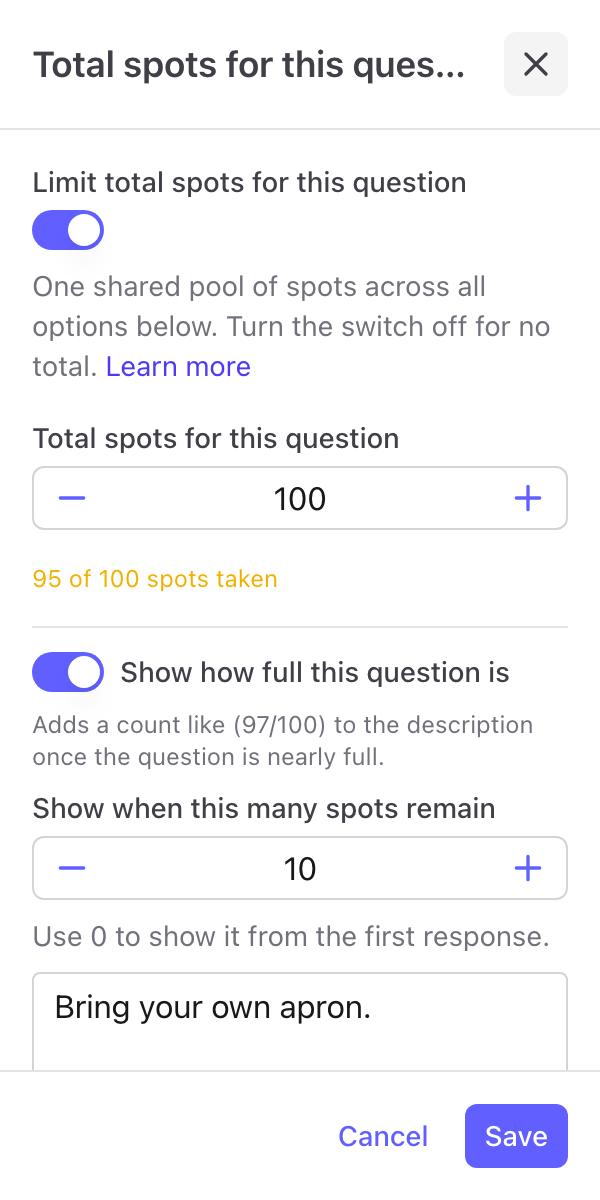
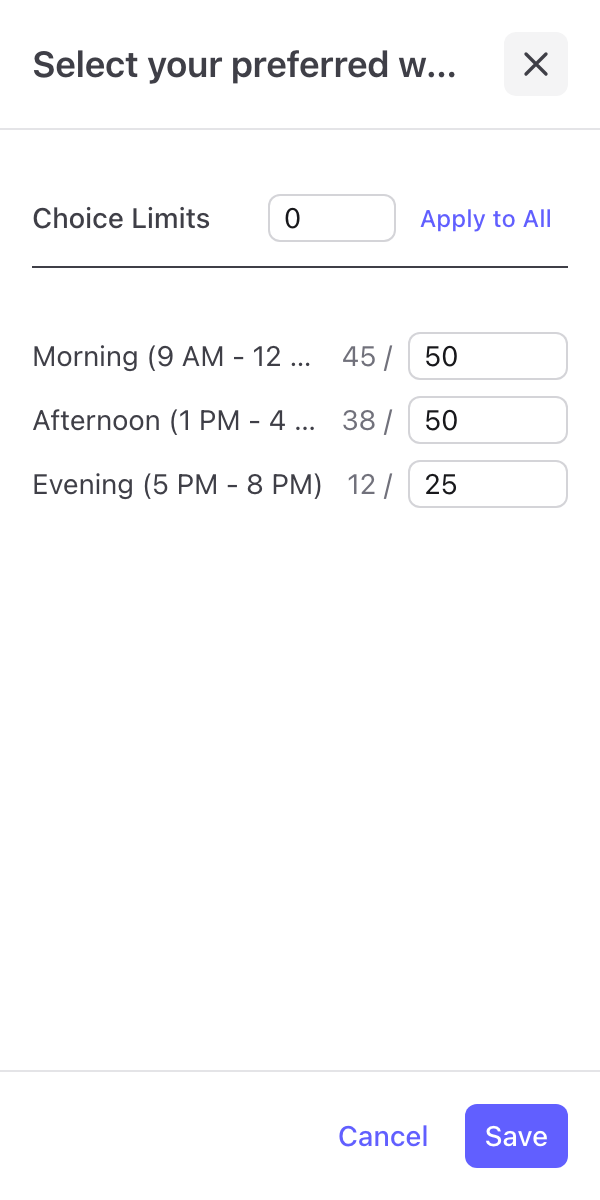
您需要的一切
管理 Google 表單的強大功能
個別選項上限
為任何答案選項個別設定回應上限——非常適合課堂名額、活動座位或以時段為基礎的報名,讓每個選項都有專屬容量。
一鍵套用全部
一鍵將問題中的所有選項設定為相同上限——當你有 20 個工作坊時段且名額相同時,省下大量時間,不必一一手動輸入。
自動消除
當回應陸續進來,已額滿的選項會自動從表單消失——無需手動編輯,也不會發生重複預訂。
支援隨機排序
即使 Google 表單為每位填答者隨機排列選項順序,仍能完美運作。消除機制追蹤的是選項內容,而非位置。
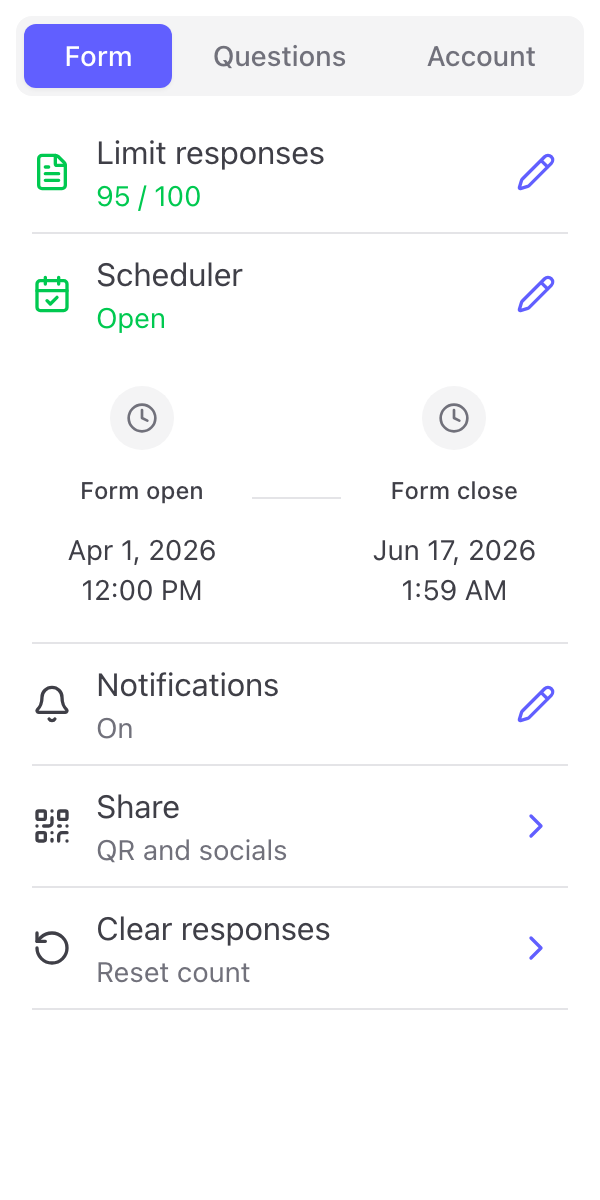
附贈完整 Form Limiter 工具組
每次安裝同時包含整體回應上限、排程開放/關閉時間及電子郵件通知——完整的表單控制工具組,零額外費用。
您與眾多優質夥伴同行
“It allows you to eliminate choices, which should really be a standard feature.”
NISOrchestra
Marketplace review
“Simple to use. Very handy for removing an option from the form once a respondent has chosen it.”
olivier oubry
Marketplace review · translated from French
“Intuitive, useful and functional. It's been a great option for an interactive form.”
Allan Ignacio Chacon Cabrera
Marketplace review · translated from Spanish
“Works perfectly to hide the options once they reach the choice limit. Very good!”
CAMAT UTFPR
Marketplace review · translated from Portuguese
“Really convenient to use, I love it!”
Sohyun
Marketplace review · translated from Korean
“Helped our class a lot with forms where we only needed to select certain criteria.”
ATF 130 UFSM
Marketplace review · translated from Portuguese
準備好管理您的表單選項了嗎?
立即開始免費試用