Form Notifications
Email, Slack and webhook alerts for Google Forms responses
Add a rule, pick when it sends, where it goes and what it says. Email, Slack, Discord, Microsoft Teams or a webhook to Zapier, with merge tags, conditions and an optional approval step. No code required.
463 installs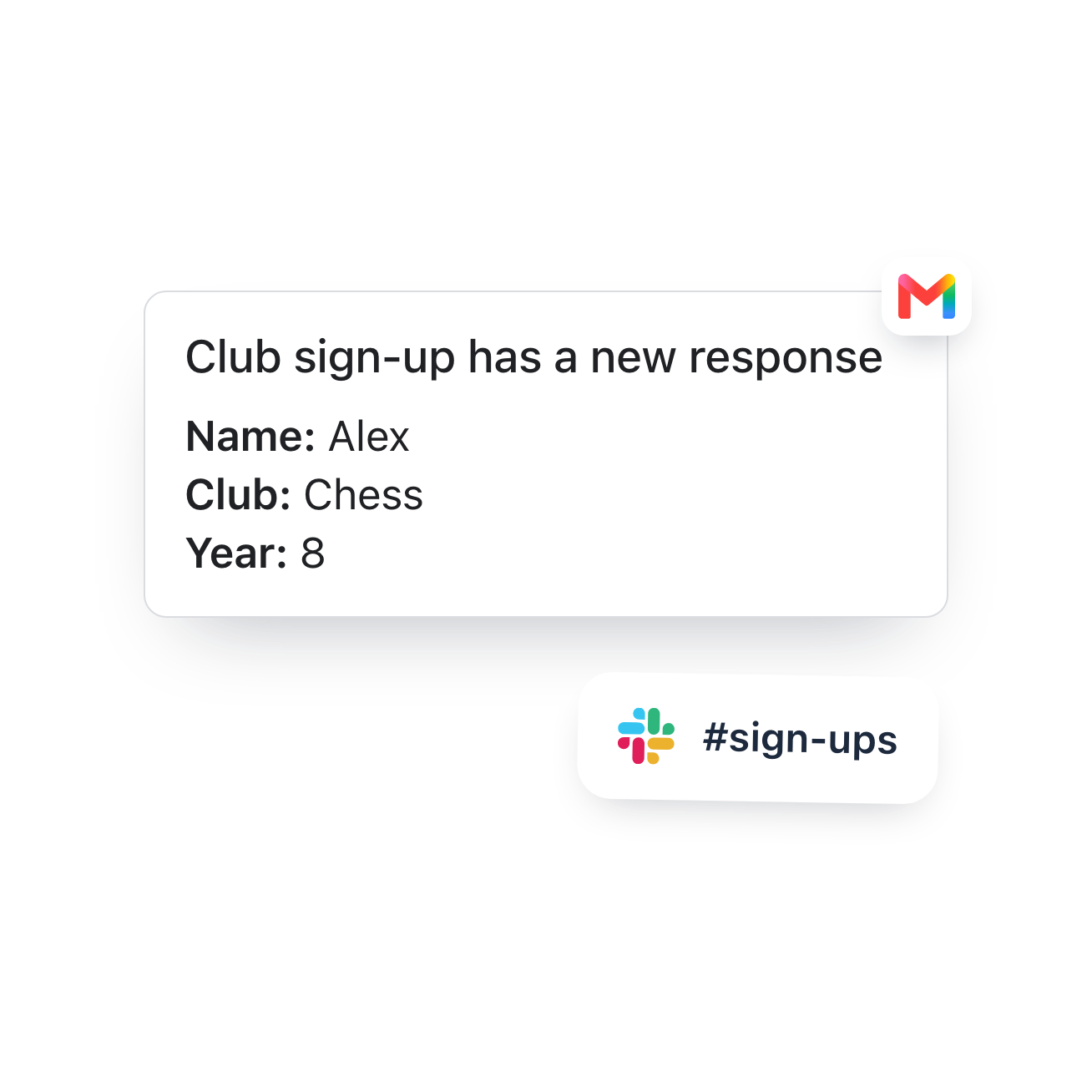
 Works in Google Forms
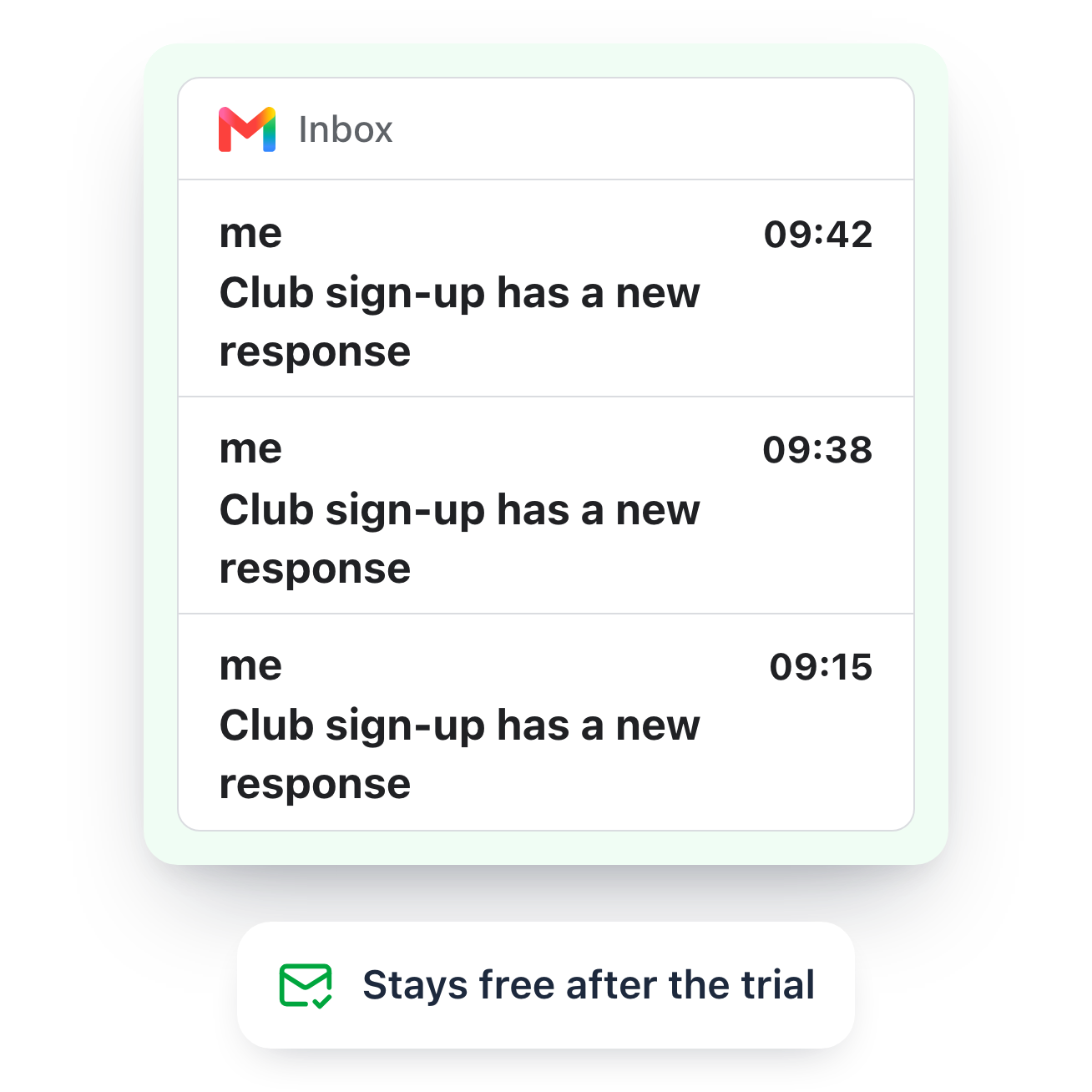
An email for every response, free
Every new response reaches your inbox, your team's, or the person who sent it, and email alerts stay free after the trial.
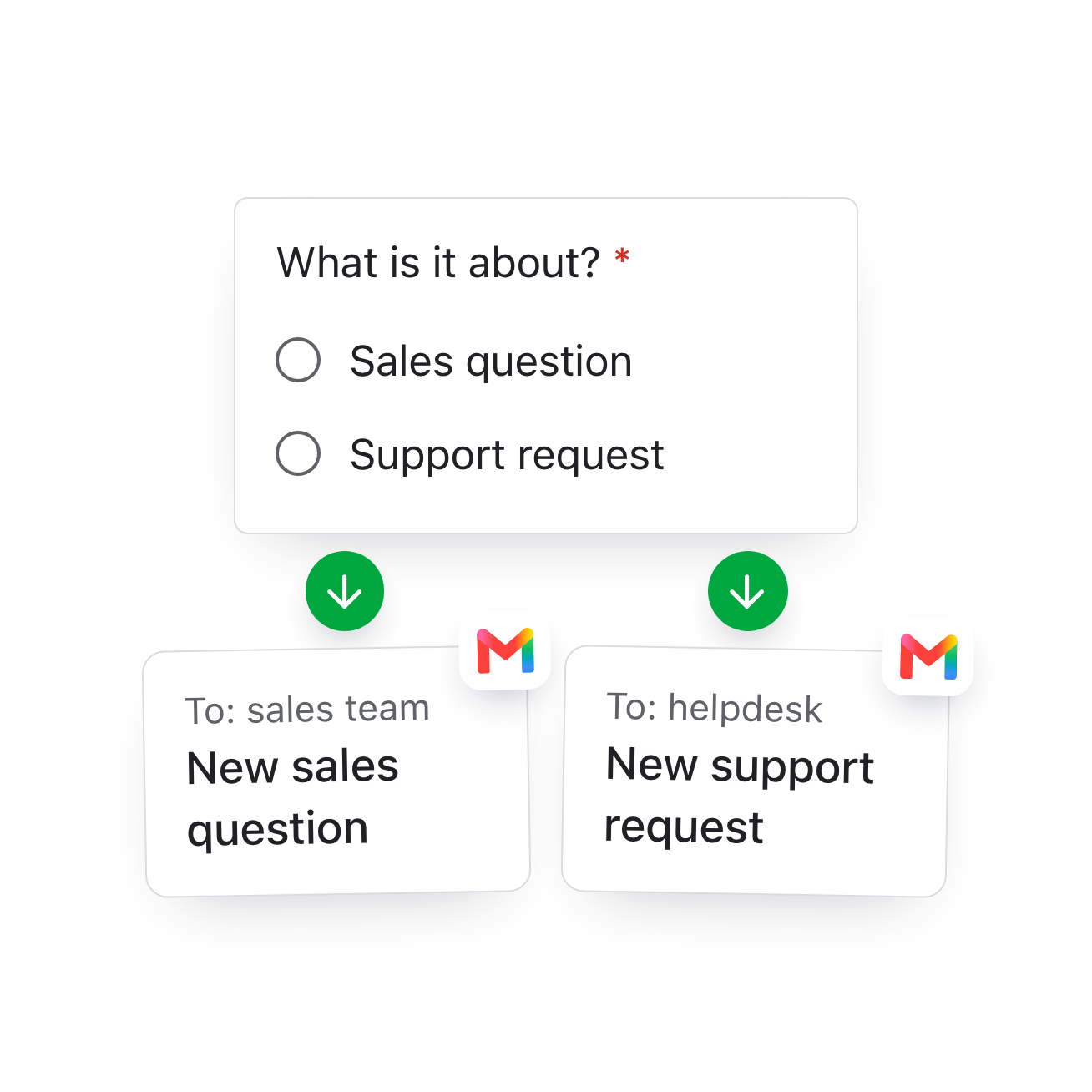
Route notifications by answer
Each response reaches the person who handles it, so sales questions go to sales and support requests to the helpdesk.
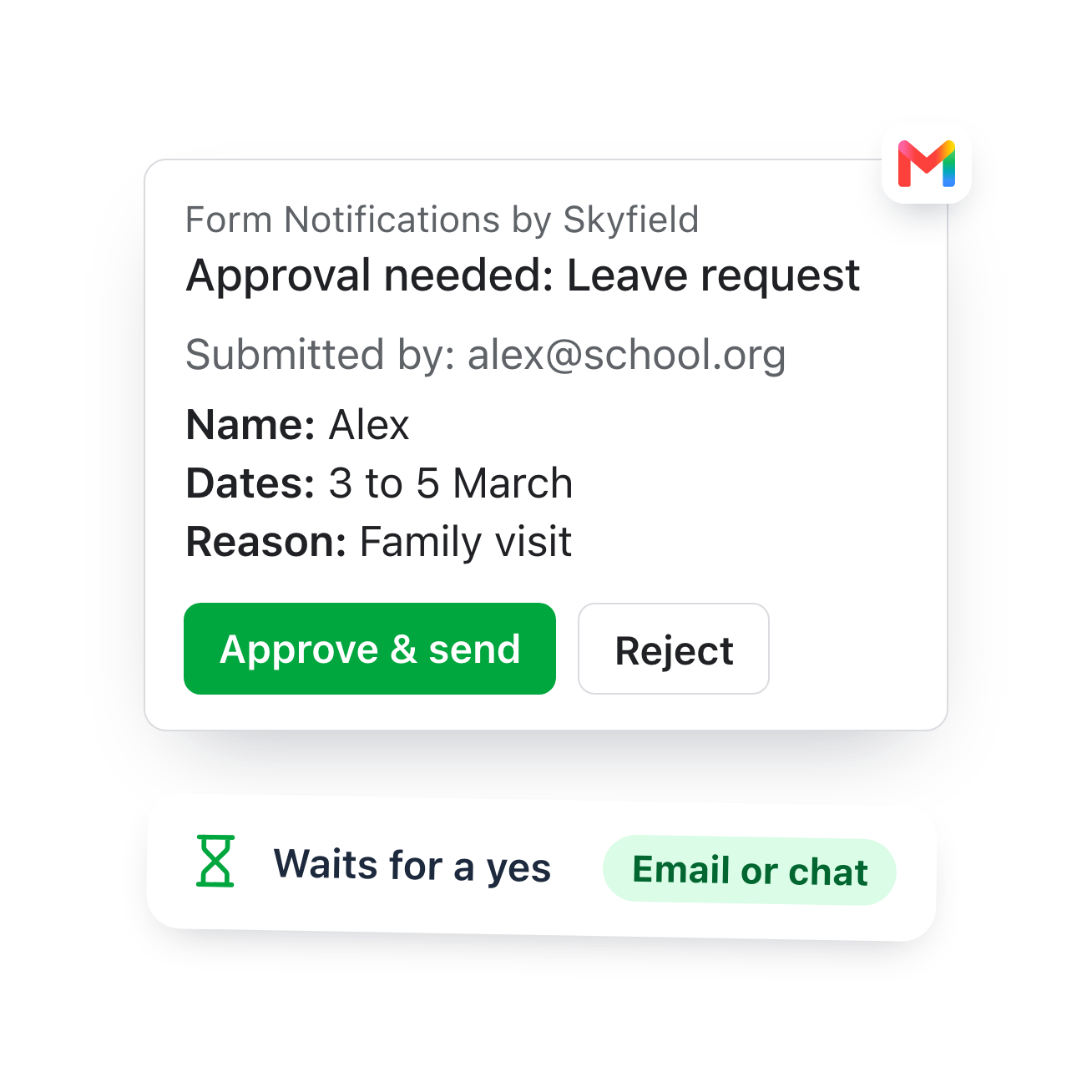
Approval flows in minutes
Requests wait for a yes before anyone is told, and the approver decides from their email or team channel without creating an account.
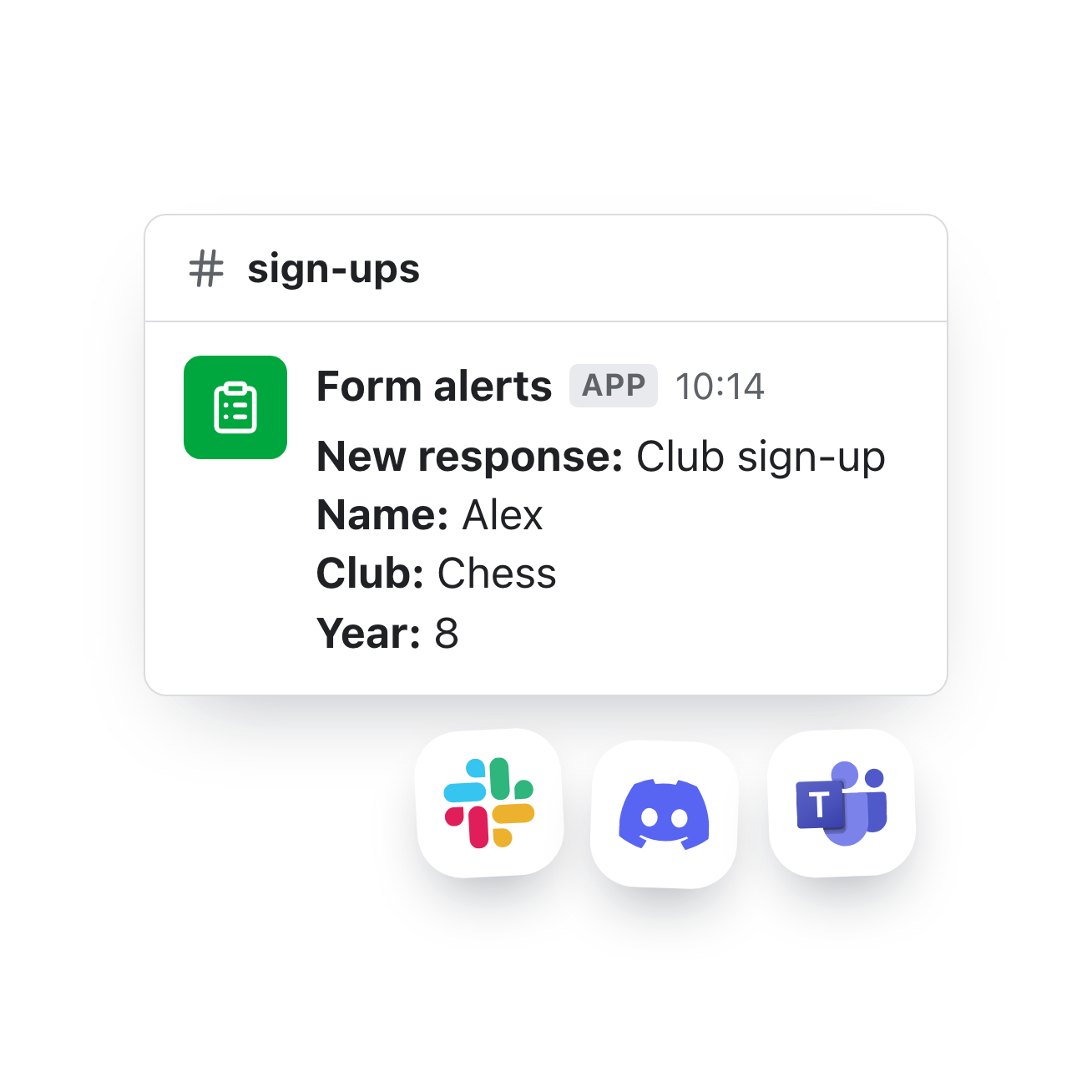
Slack, Discord and Teams
New responses appear in the Slack, Discord or Teams channel where your team already talks.
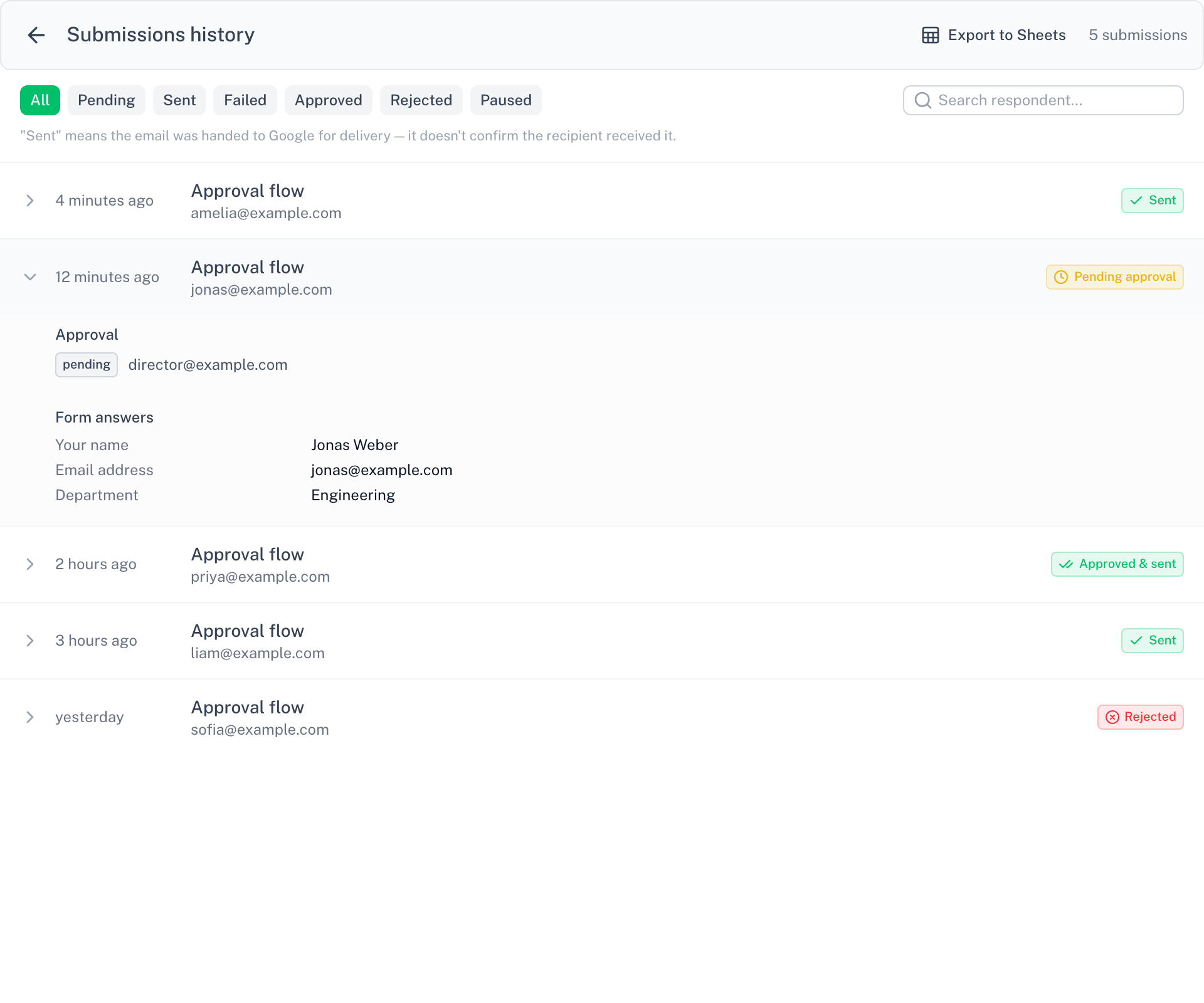
Know what was delivered
See which responses went out, which wait for approval and which failed, so a missed message does not go unnoticed.
See it in action
All tutorial videosEmail, chat or webhook
Everything you need
Form Notifications FAQ
Ready to add your first rule?
Start your free trial today. Three templates get you going in one click.