 Slides Translator
Translate Your Slides Without Leaving the Deck
Pick a language, press one button, and the deck you have open is translated where it is. Fonts, colours, speaker notes and tables stay in place. 30 free slides a month.
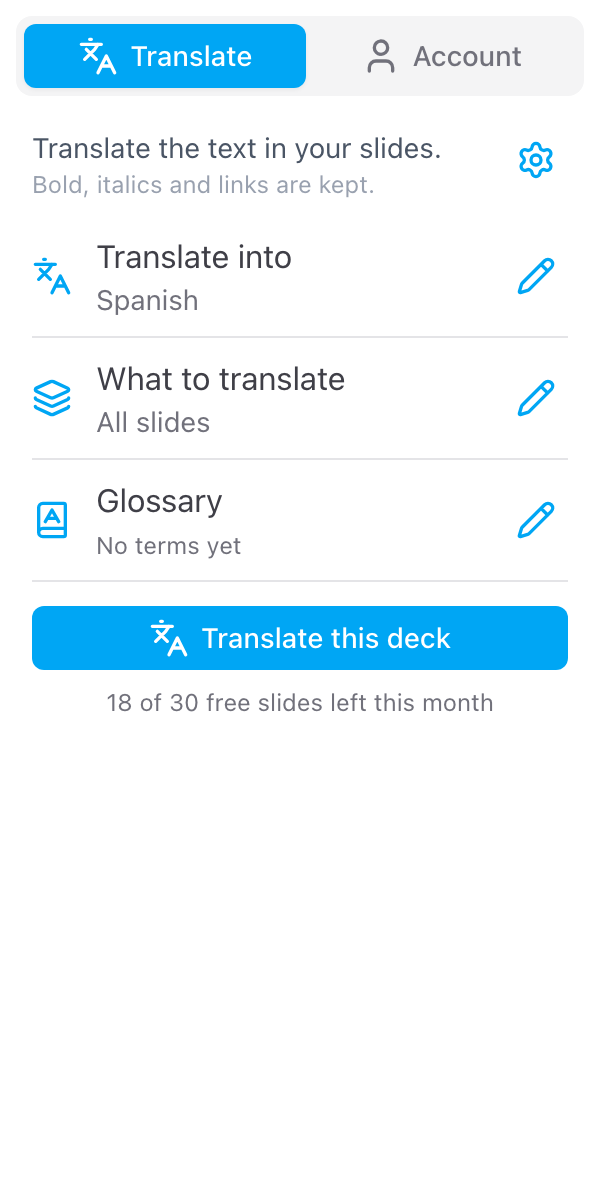
Pick a language and what to translate
A sidebar beside your slides: all slides, the current slide or a selection
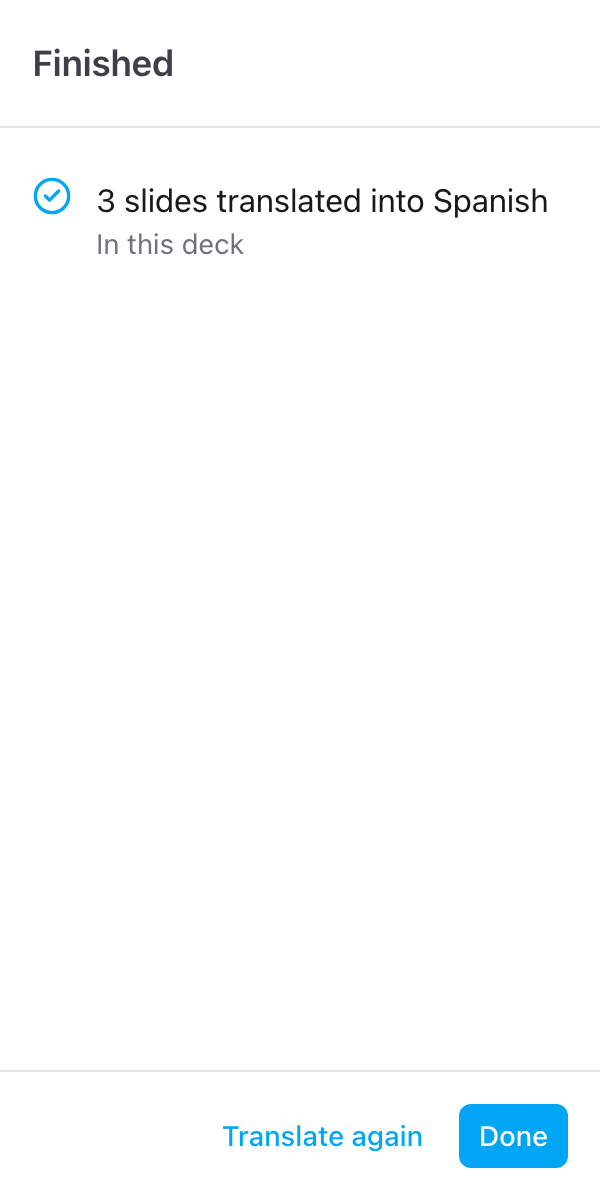
Translated in your deck
The text is replaced where it is; make a copy first to keep the original
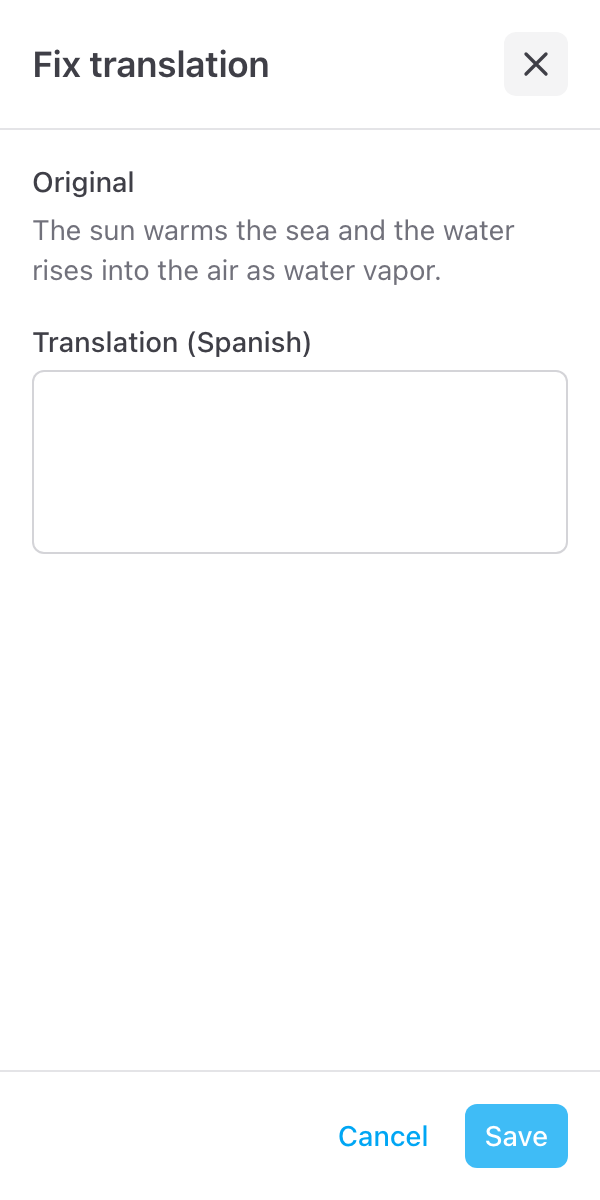
Fix the lines that need a check
Original beside translation, written on its own when you save
Everything you need
Powerful features to manage your Google Forms
For Classrooms, Families and Teams
Give students and parents a lesson, a parent evening deck or a newsletter in their home language. Hand a sales or training deck to a team abroad. One language per run; make a copy of the deck for each.
A Sidebar Beside Your Slides
Slides Translator opens next to the deck, so you keep seeing your slides while it works. Pick a language from a searchable list; the ones you used last are at the top.
The Whole Deck or Just a Part
Translate all slides, the slide you are on, or what you have selected. No selection needed to get started.
In Your Deck, After a Warning
The text is replaced where it is, in the deck you have open. You confirm first, and File > Version history brings the original back.
Keep the Original With One Click
Want the original untouched? Make a copy first opens Google's own Copy document page for this deck. Make the copy, translate there. Slides Translator never creates files or touches Google Drive.
A Glossary for Your Terms
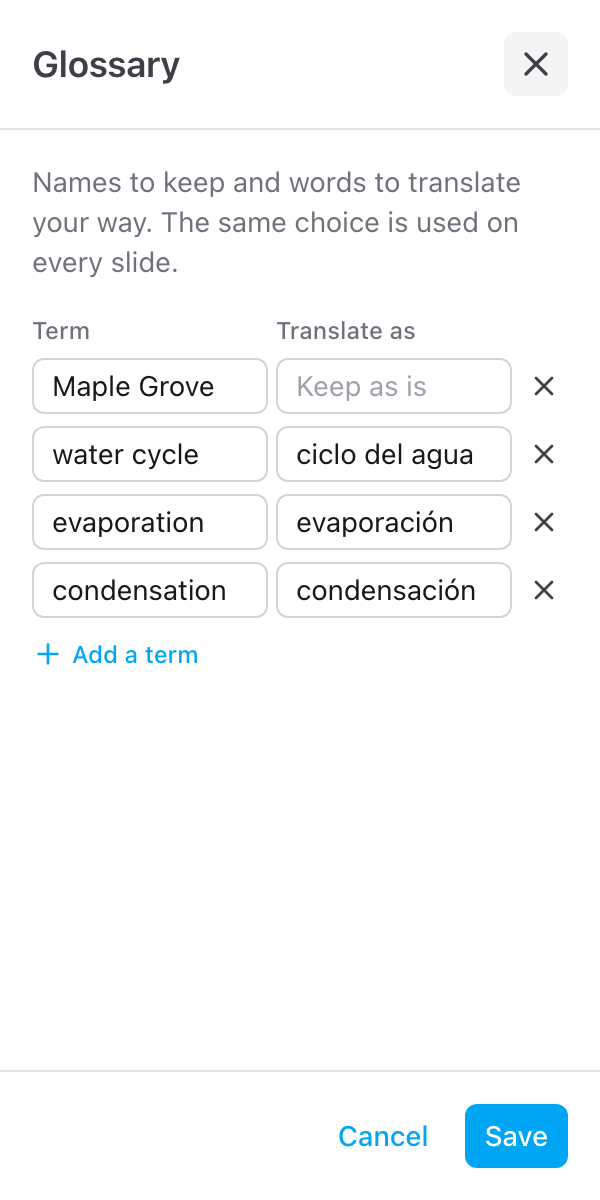
Add the terms to keep as they are, or to translate your way, one row each. Product names and in-house wording stay consistent through the deck.
A Short List of Lines to Check
A line that comes back incomplete is left as it was and listed with its slide number. Read it beside the original, fix it and save, or jump to the slide.
Notes, Tables and Formatting
Text in shapes, tables, groups and speaker notes is translated; the notes can be switched off under the cog. Bold, italics, links, fonts, font sizes and colours stay where you put them. Text inside images stays as it is.
Gemini & Claude, No Key Needed
Every plan, including the free one, translates with Gemini or Claude, whichever currently gives the best result in our tests. 30 free slides every month; one paid plan lifts the limit, billed monthly or yearly.
What people are saying about our add-ons
“The app is simple and does exactly what you think it should do. No frills and no errors. It just works perfect. Thank you.”
Gary Brown
Form Limiter · Marketplace review
“Intuitive, useful and functional. It's been a great option for an interactive form.”
Allan Ignacio Chacon Cabrera
Choice Eliminator · Marketplace review · translated from Spanish
“Really convenient to use, I love it!”
Sohyun
Choice Eliminator · Marketplace review · translated from Korean
Ready to translate your next deck?
30 free slides every month, no credit card needed