
What Is Form Builder?
How Form Builder turns a text, a file or an old form into the questions of your Google Form, and what you check before anything is added
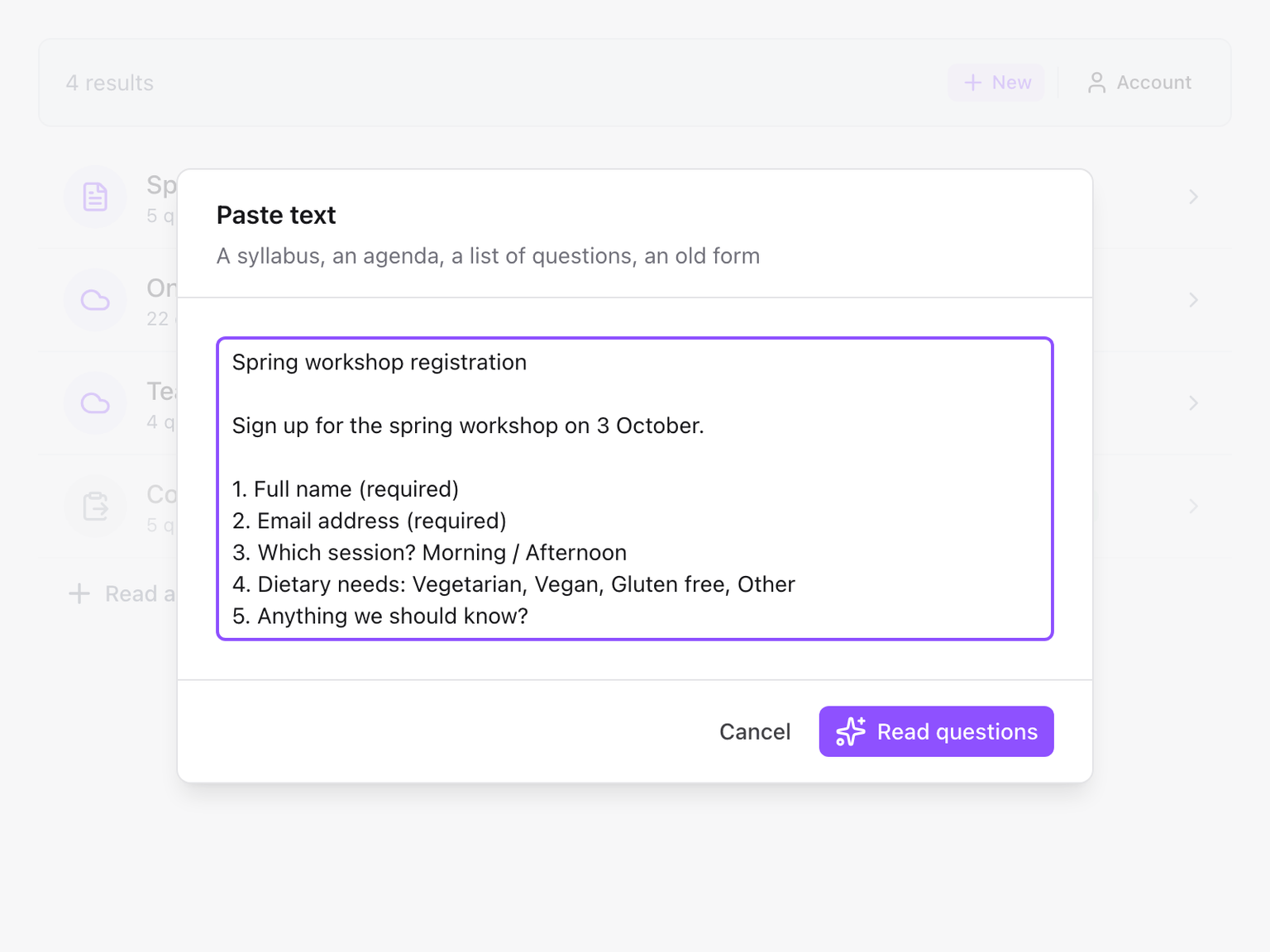
Form Builder creates a Google Form from something you already have. Paste a text, upload a file or pick one from Google Drive, and the add-on reads the questions out of it. You check them, change what you want, and add them to the form you have open.
How it works
- Give it a source. A syllabus, an agenda, a worksheet, a PDF, a Google Doc, last year's form. See Sources.
- The questions are read for you. The add-on works out which lines are questions, which are answer options and where a new section starts, and picks a question type for each. It usually takes 10 to 30 seconds.
- You check them. Every question is listed with its type and options. Reorder, skip or edit before anything touches your form. See Check and edit the questions.
- You add them. One button writes the questions into your Google Form, at the end or at the start. See Add the questions to your form.
The result is a normal Google Form. Nothing about it depends on the add-on afterwards: edit it, share it and collect responses the way you always do.
What stays with the form
Each text or file you read becomes a result in the dialog, and results are kept with the form. Close the dialog, come back next week, and the questions are still there to finish. See Results and storage.
What is sent where
- The text or file you choose is sent to Skyfield's server, where a language model reads the questions out of it. What is stored and for how long is described in the privacy policy.
- A Google Form you pick is copied directly. Its questions come across as they are, with no language model involved. See Copy another Google Form.
- Only the file you pick in Google Drive is read. The add-on cannot see the rest of your Drive.
What it does not do
- It does not write a form from a one-line prompt. Form Builder works from a source: a text, a file or a form.
- It does not set answer keys or points. Questions are added without quiz grading. Set that up in Google Forms afterwards.
- It does not limit, schedule or time the form. That is what Form Limiter, Form Scheduler and Form Timer are for.
Support
- FAQ - Common questions
- Contact Us - Get in touch