
Copy Another Google Form
Reuse the questions of a form you already have, copied as they are
When the source is a Google Form, nothing is read by a language model. The questions are copied one to one: wording, type, options and whether each is required.
Copy a form
- Open the form you want to add questions to, then open Form Builder
- Click New, then Google Drive
- Pick the form you want to copy from
Its questions appear as a result, like any other read.
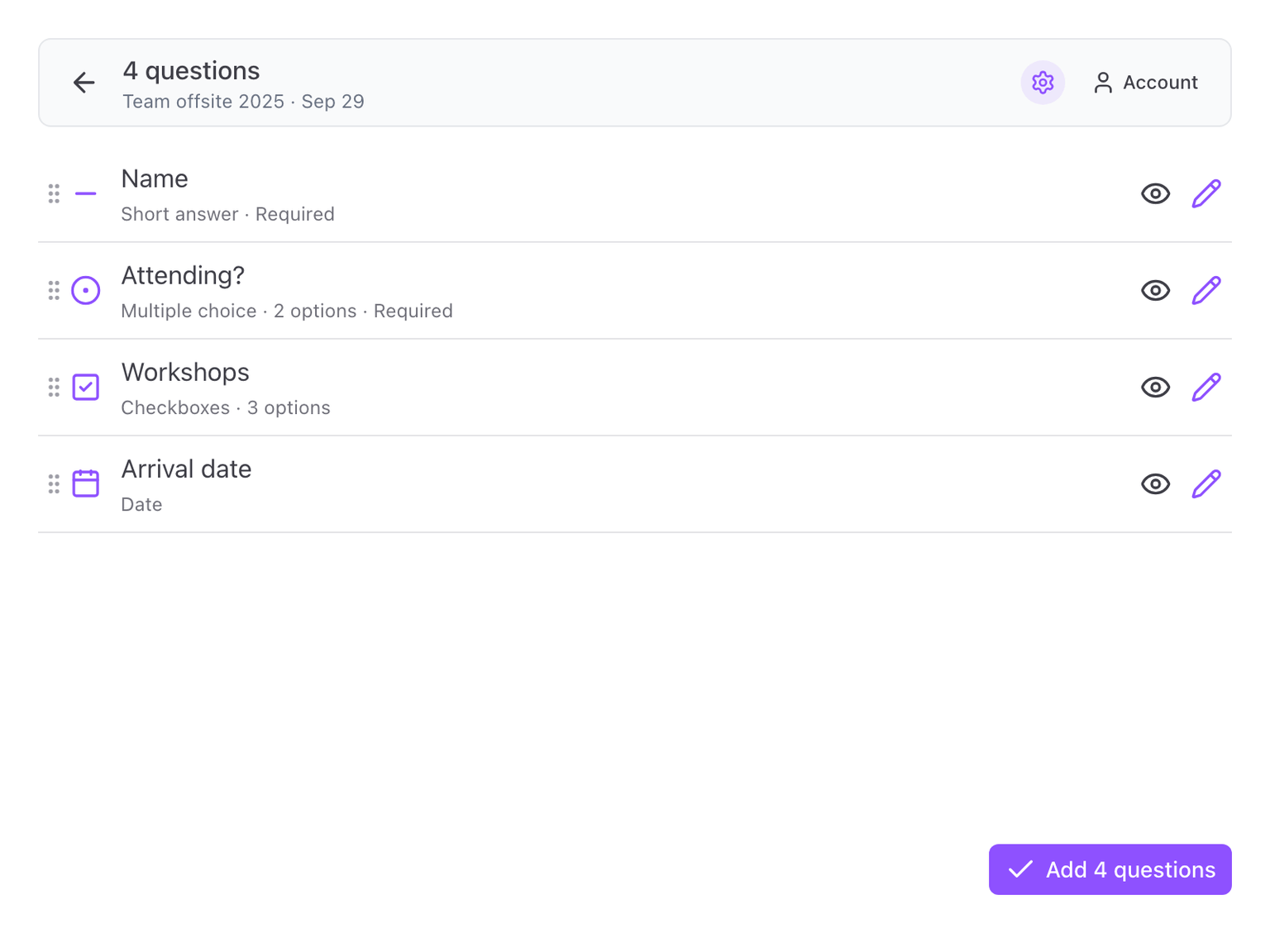
You can reorder, skip and edit them before adding, exactly as with questions read from a text. See Check and edit the questions.
What is copied
- Short answer and paragraph questions
- Multiple choice, checkboxes and dropdown, with their options
- Linear scale, with its labels
- Date and time questions
- Sections
- Whether each question is required
What is left out
Some items have no equivalent in Form Builder and are skipped:
- Grid questions
- File upload questions
- Images and videos
Every skipped item is named under Options, in Assumptions made, so you know what to add by hand.
Answer keys and points are not copied either. Set quiz grading in Google Forms after the questions are on your form.