
Connect to Sheet
Responses to the live form are kept on your dashboard. The Connect to sheet tab of Live form settings also copies them to a spreadsheet in your Google Drive, so you can work with them the way you would with a Google Form's own sheet.
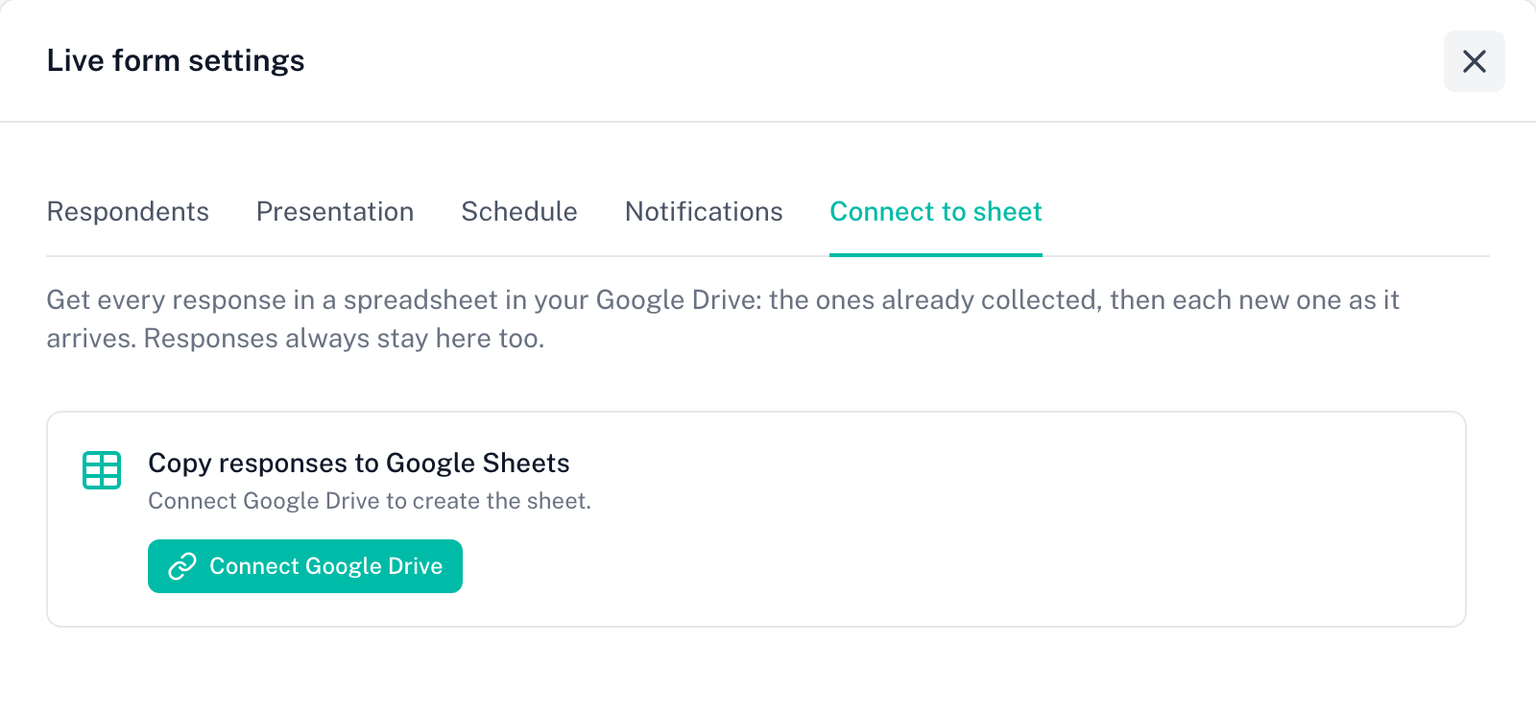
Connecting
The sheet is created in your Drive, so Skyfield needs permission to create files there.
- Open Live form settings and the Connect to sheet tab
- Click Connect Google Drive. From the dialog inside Google Forms, this sends you to skyfield.cloud in a browser tab, where Google asks for permission; come back afterwards
- Turn on Copy responses to Google Sheets
A spreadsheet named after your form is created in your Drive, every response collected so far is copied into it, and each new response is added as it arrives. The tab says how many have been copied, and Open sheet takes you to it. Once connected, Open sheet also appears at the top of the form's page on your dashboard.
Responses always stay on your dashboard too. The sheet is a copy, not the only record.
If copying stops
The tab says Stopped with the date and the reason. The common ones:
- Google Drive access was revoked or the Google connection does not include Drive file access. Reconnect Google Drive, then click Resume.
- The spreadsheet was deleted or moved to the trash. Restore it and click Resume, or click Create a new sheet.
- Google Sheets took too long to answer or returned an error. Usually temporary. Click Resume.
Nothing is lost while copying is stopped: new responses are still saved on your dashboard, and Resume copies every missed one. If some responses are not in the sheet yet, the tab says how many and Copy now takes the rest.
Who owns the sheet
The sheet lives in the Drive of the Google account that connected. If that account is no longer connected, the tab says so; connect again, or create a new sheet under your own account.
Licence
This tab needs an active licence to change. A connected sheet keeps receiving responses after a plan ends.