
Presentation
The Presentation tab of Live form settings shapes what respondents see. None of it needs a licence to change.
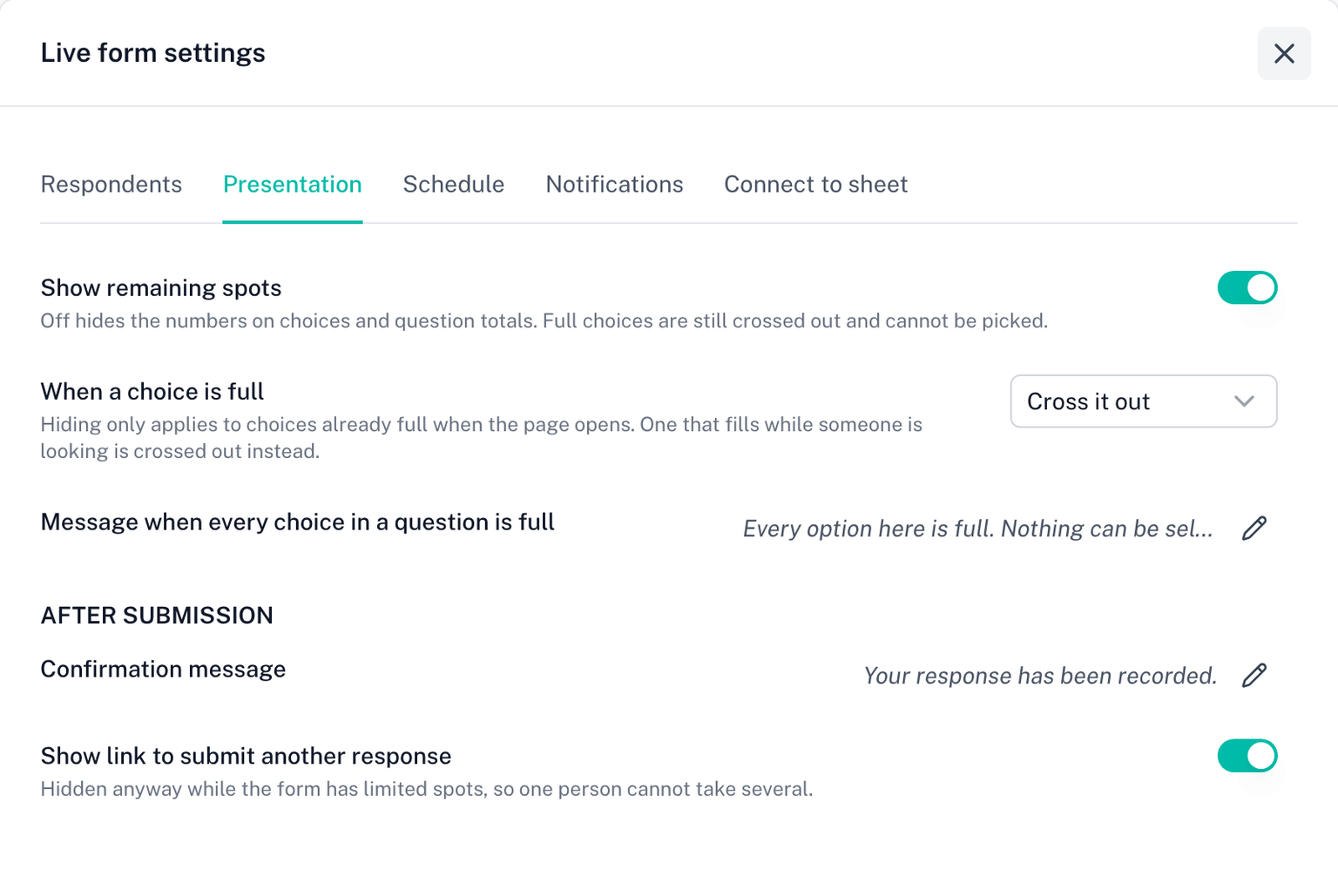
Show remaining spots
On by default. Every capped choice shows a badge such as 3 left, and a question with a total shows how many of its places are taken.
Turn it off to hide the numbers. Respondents then see plain choices, and only learn a choice is full when it is crossed out. Use this when the count itself is sensitive, for example when "1 left" would pressure people or reveal how few signed up.
When a choice is full
Cross it out. The default. A full choice stays in the list, struck through and unselectable, so respondents can see it existed and is gone.
Hide it. A full choice is left out of the list entirely. This only applies to choices that are already full when the page opens; a choice that fills while someone is looking at the form is crossed out instead, so the list does not shift under them.
Message when every choice in a question is full
Shown in place of the choices when a question has nothing left to pick. The default explains that a place reopens automatically if someone cancels. Plain text; links are not clickable.
After submission
Confirmation message. What respondents read once their response is recorded. Plain text; the default is Your response has been recorded.
Show link to submit another response. On by default, but hidden anyway while the form has limited spots, so one person cannot take several places by resubmitting. It only appears on forms with no caps at all.